DC10 E, DC20 E
SERVICE MODE / ADJUSTMENT
40
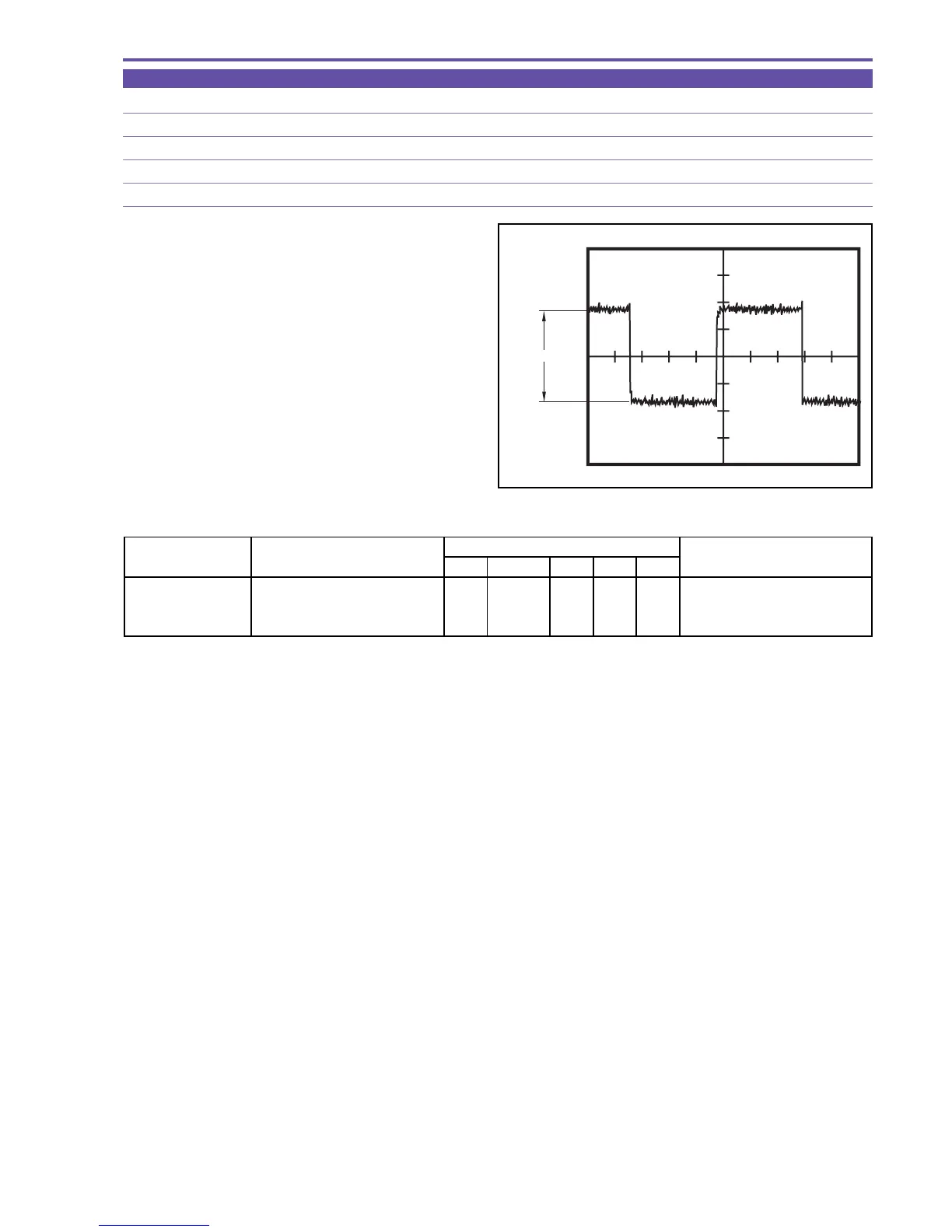
5-8-4 COM Amplitude Adjustment
MODE Display of monochrome master
M. EQ. Oscilloscope
TP/TRIG. Extension connector - pin 14 (EVF COM AC) / TP signal (self TRIG)
SPEC. 4.00 ± 0.05 [V]
Procedure)
(1) Carry out adjustment according to the table shown below.
Fig. 27
CS Function MD ADDR DT
COM Amplitude 1) Make the setting shown at right
0 21 ST 000C "ADJ" Start of setting
Adjustment 2) Perform storing.
↑↑
RD
↑
ADJ Completion of setting
(press the PAUSE button.)
STEP PROCEDURE
MONITOR
Microcomputer operation



 To Next Page