151
Viewing the Camera Instruction Manual CD-ROM
3
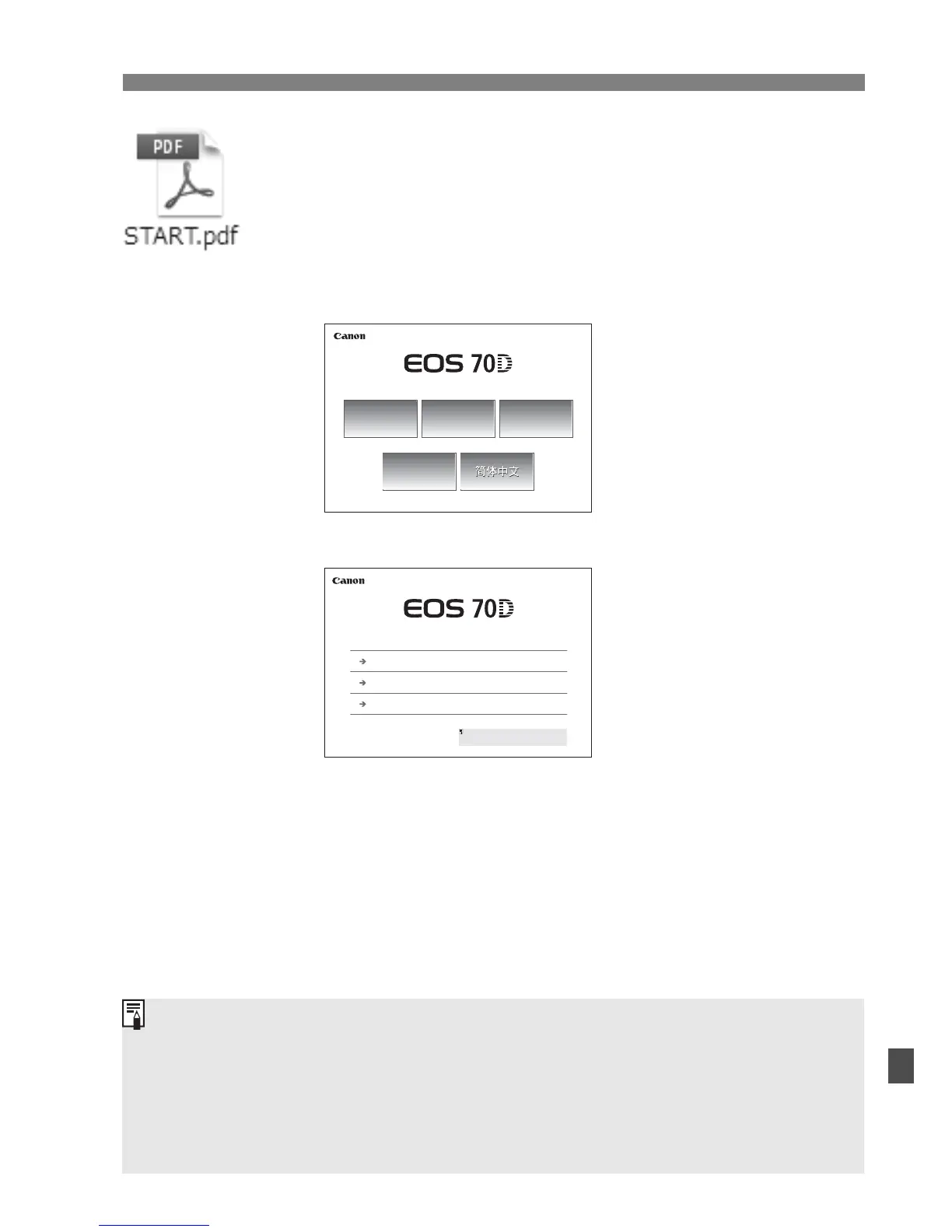
Double-click the START file.
X The screen shown in step 4 will appear.
The icon displayed will differ depending on your
computer’s operating system.
4
Select the language.
5
Click on the manual you want to view.
X The instruction manual in your language will be
displayed.
EOS 70D (W) / EOS 70D (N)
Français
English
l
Español
日本語
日本語
© CANON NC 20 3
EOS 70D W) / EOS 70D (N)
Camera Instruction Manual
Wi Fi Function Instruction Manual
I he n t u t n an d es n t en e you i k o t e ma ual
n me p n t e “ D ” l e he “E g sh” o de and h n he
I s uc on M n al D i e
Quick Reference Guide
You can save the PDF file to your computer.
All he instruc ion manuals (PDF files) have page links to make it quick to
find the desired page. Click on a page number in the Contents or Index
and that page will appear.
To learn how to use Adobe Reader, refer to Adobe Reader’s Help
section.



 To Next Page