11
When you want to prioritize wireless LAN functions, do not operate
the shutter button, Mode Dial, or playback button. Otherwise,
shooting or playback operation may be prioritized and wireless LAN
functions may be terminated during the process. Also, the
connection may be terminated when the LCD monitor is closed
facing inward.
When [Wi-Fi] in the [53] tab is set to [Enable], movie shooting is
disabled. Even if the camera is connected to a computer, printer,
GPS receiver, or other device via an interface cable, they cannot be
used (p.13).
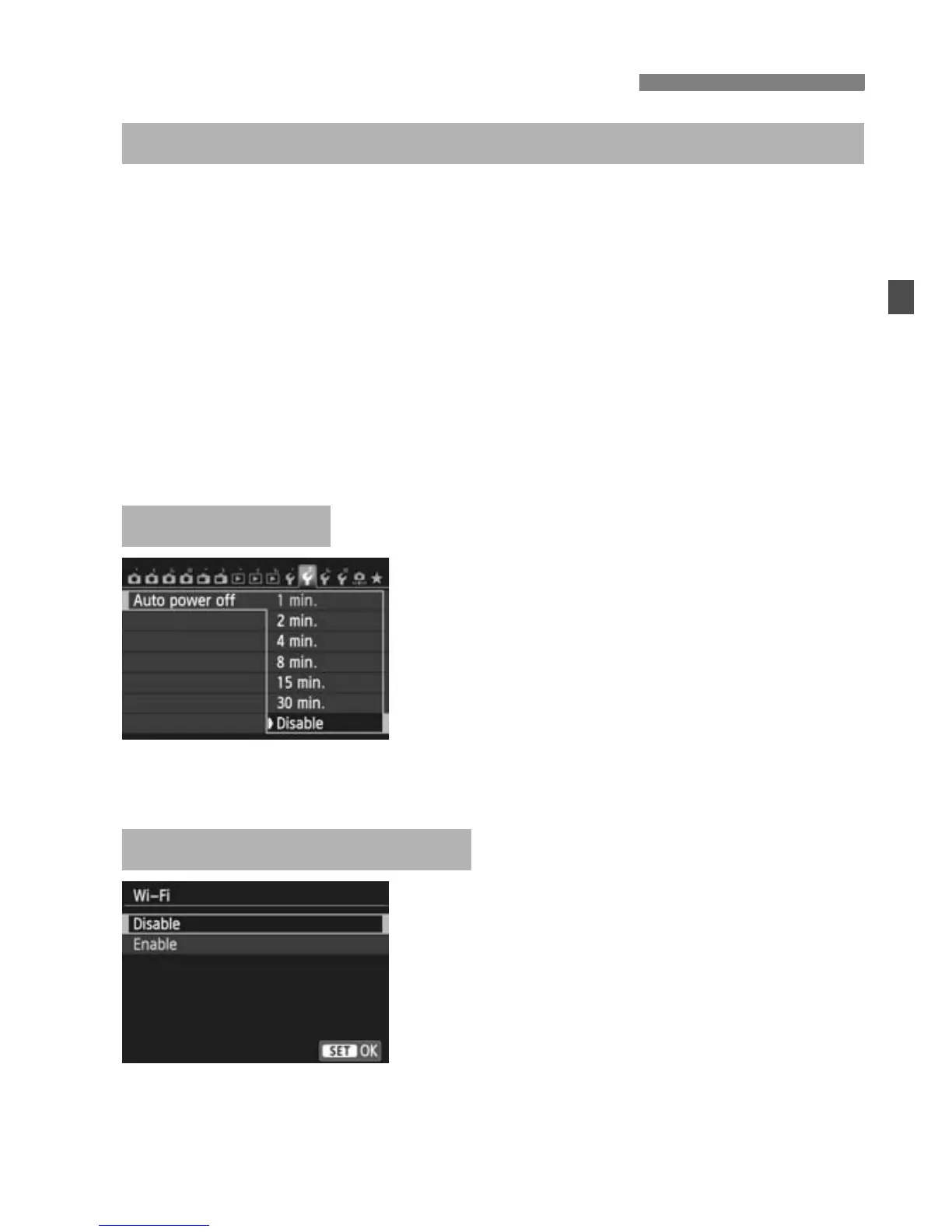
If necessary, set [Auto power off]
under the [52] tab to [Disable].
If the camera’s auto power off is
activated during the wireless LAN
connection, the wireless LAN function
will turn off. Wireless LAN connection
is restored when the camera wakes
up from auto power off.
When the use of electronic devices
and wireless devices is prohibited,
such as on board airplanes or in
hospitals, set [Wi-Fi] to [Disable].
Basic Operation and Settings
Using the Camera While Wireless LAN Functions Are Active
Auto Power Off
[Wi-Fi] Under the [53] Tab



 To Next Page