251
Shooting Movies
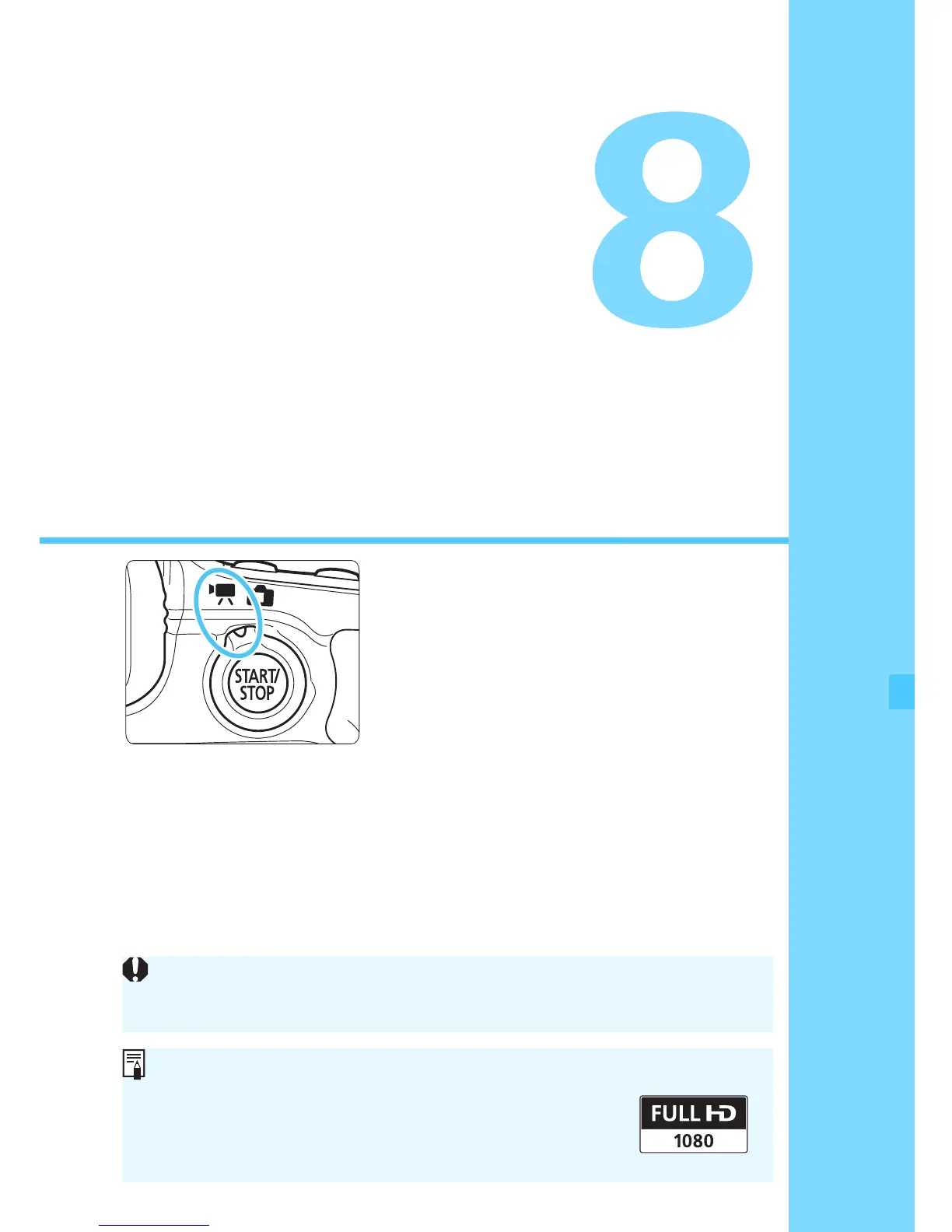
Movie shooting is enabled by
setting the Live View shooting/
Movie shooting switch to <k>.
The movie recording format will
be MOV.
For cards that can record movies, see page 3.
If you handhold the camera and shoot movies, camera
shake can cause blurred movies. Using a tripod is
recommended.
To shoot while handholding the camera, see page 76.
If [53: Wi-Fi] is set to [Enable], movie shooting is not possible.
Before shooting movies, set [Wi-Fi] to [Disable].
Full HD 1080
Full HD 1080 indicates compatibility with High-
Definition featuring 1080 vertical pixels (scanning
lines).



 To Next Page