A Full Auto Techniques (Scene Intelligent Auto)
70
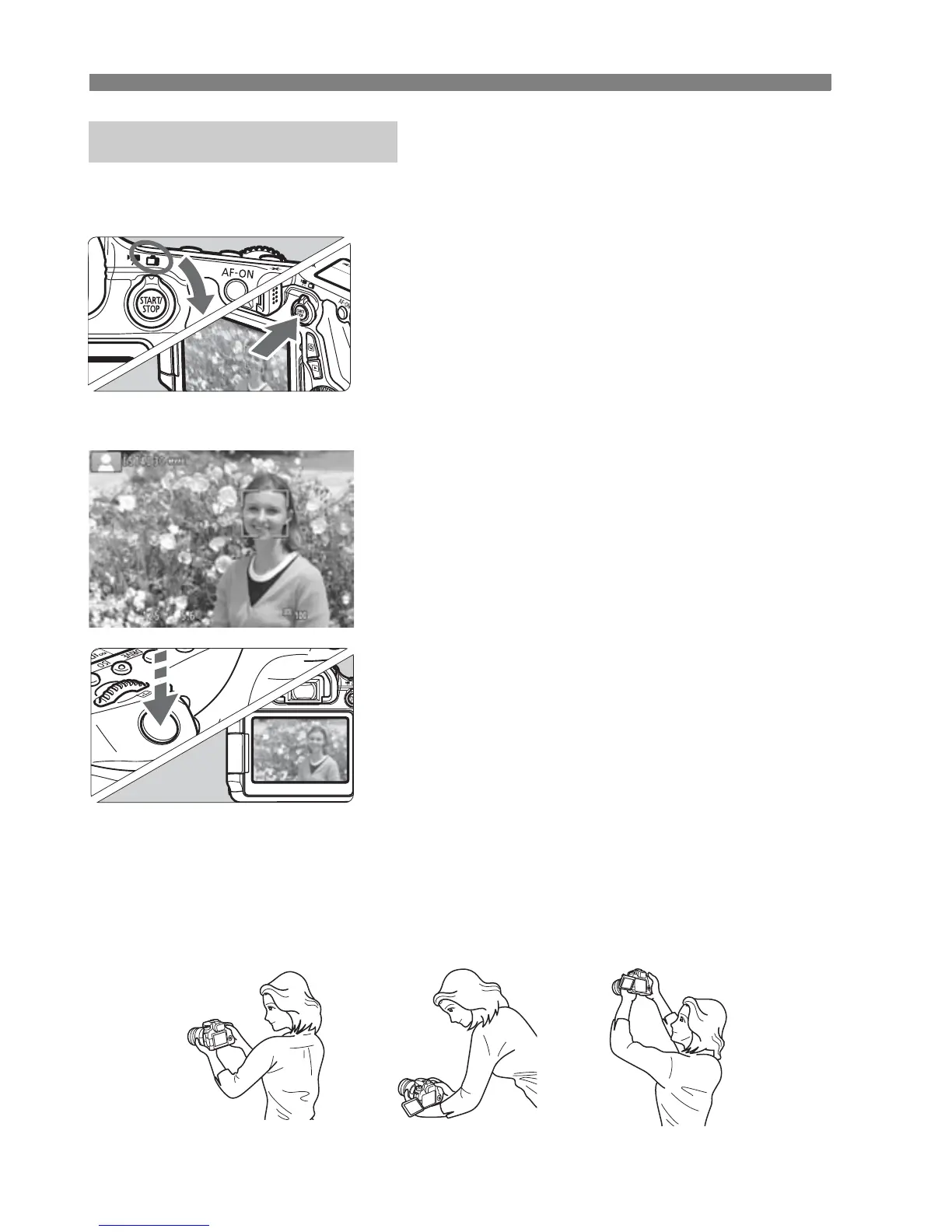
You can shoot while viewing the image on the LCD monitor. This is
called “Live View shooting”. For details, see page 119.
1
Set the Live View shooting/Movie
shooting switch to <A>.
2
Display the Live View image on
the LCD monitor.
Press the <0> button.
X
The Live View image will appear on he LCD monitor.
3
Focus the subject.
Press the shutter button halfway to
focus.
X When focus is achieved, the AF point
will turn green and the beeper will
sound.
4
Take the picture.
Press the shutter button completely.
X
The picture will be taken and the captured
image is displayed on the LCD monitor.
X After the image review ends, the
camera will return to Live View
shooting automatically.
Press the <0> button to end the
Live View shooting.
You can also rotate the LCD monitor in different directions (p.30).
A Live View Shooting
Normal angle Low angle High angle



 To Next Page