75
The camera will automatically choose the appropriate settings when
you select a shooting mode for your subject or scene.
1
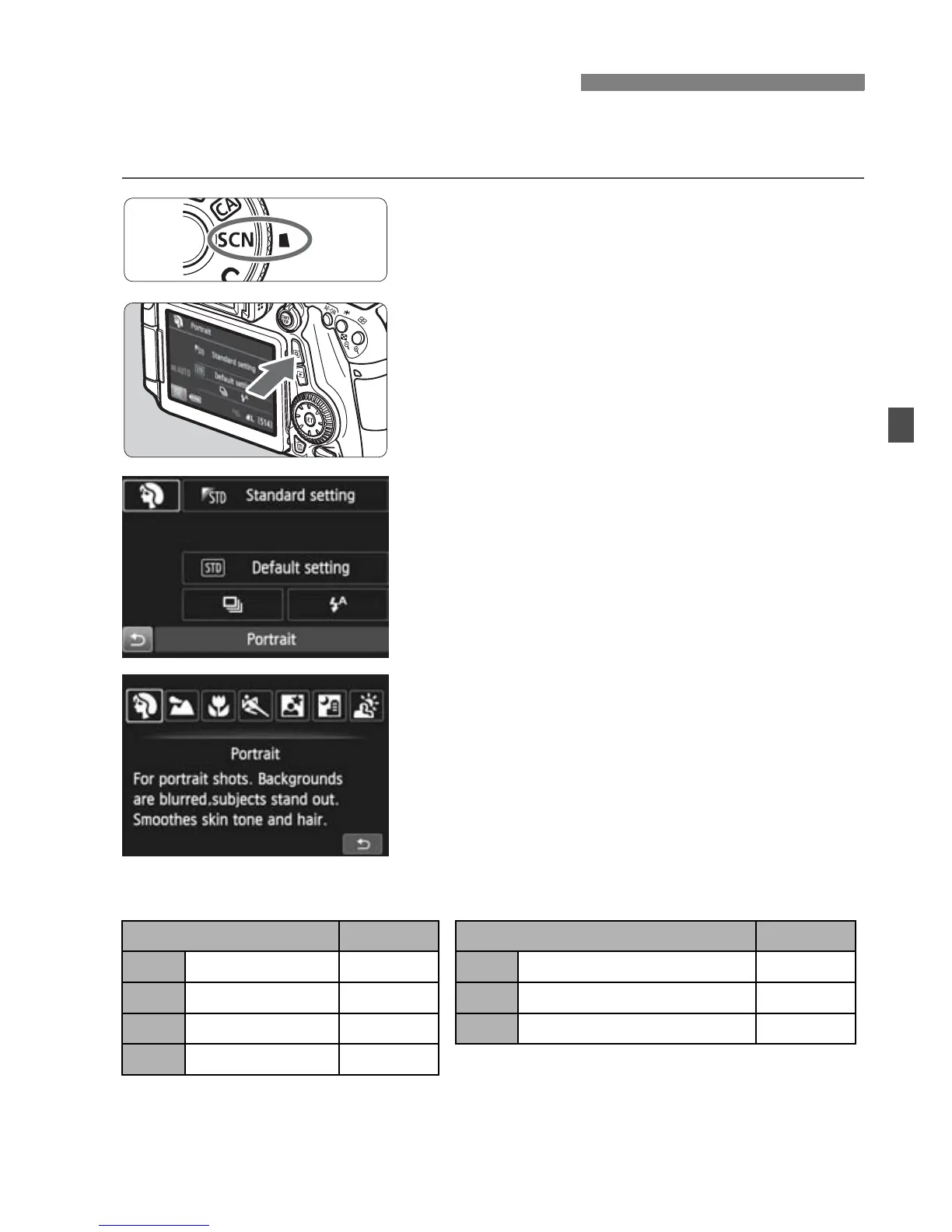
Set the Mode Dial to <8>.
2
Press the <Q> button. (7)
X The Quick Control screen will appear.
3
Select a shooting mode.
Press the <V> <U> keys to
select a shooting mode icon.
Turn the <6> or <5> dial to select
a shooting mode.
You can also select the shooting
mode icon and press <0> to display
a list of shooting modes from which
you can select one.
Available Shooting Modes in the <8> Mode
8: Special Scene Mode
Shooting Mode
Page
Shooting Mode
Page
2 Portrait p.76 6 Night Portrait p.80
3 Landscape p.77 F Handheld Night Scene p.81
4 Close-up p.78 G HDR Backlight Control p.82
5 Sports p.79



 To Next Page