Q Quick Control
84
Cautions for <G> HDR Backlight Control
Note that the image may not be rendered with a smooth gradation and
may look irregular or have significant noise.
HDR Backlight Control may not be effective for excessively backlit
scenes or extremely high-contrast scenes.
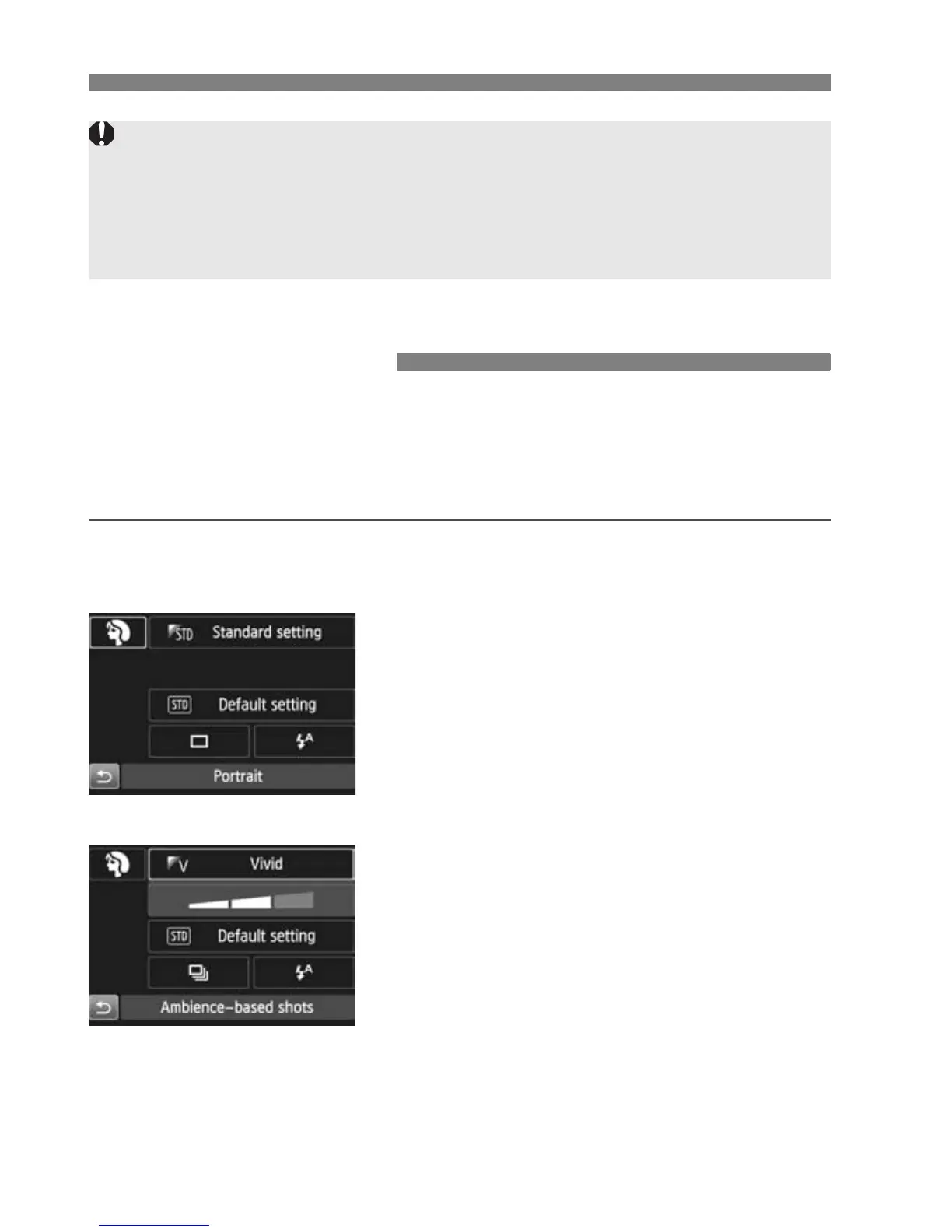
In Basic Zone modes when the shooting function settings screen is
displayed, you can press the <Q> button to display the Quick Control
screen. The table on the next page shows the functions that can be set
with the Quick Control screen in each Basic Zone mode.
1
Set the Mode Dial to a Basic Zone
mode.
2
Press the <Q> button. (7)
X The Quick Control screen will appear.
3
Set the desired functions.
Press the <V> <U> keys to
select a function.
X The selected function and Feature
guide (p.63) will appear.
Functions can also be selected with
the <6> or <5> dial.
Q Quick Control
Example: Portrait mode



 To Next Page