146
Peripheral light fall-off is a phenomenon that makes the image corners
look darker due to the lens characteristics. Color fringing along subject
outlines is called chromatic aberration. Both lens aberrations can be
corrected. The default settings are [Enable] for both corrections.
1
Select [Lens aberration
correction].
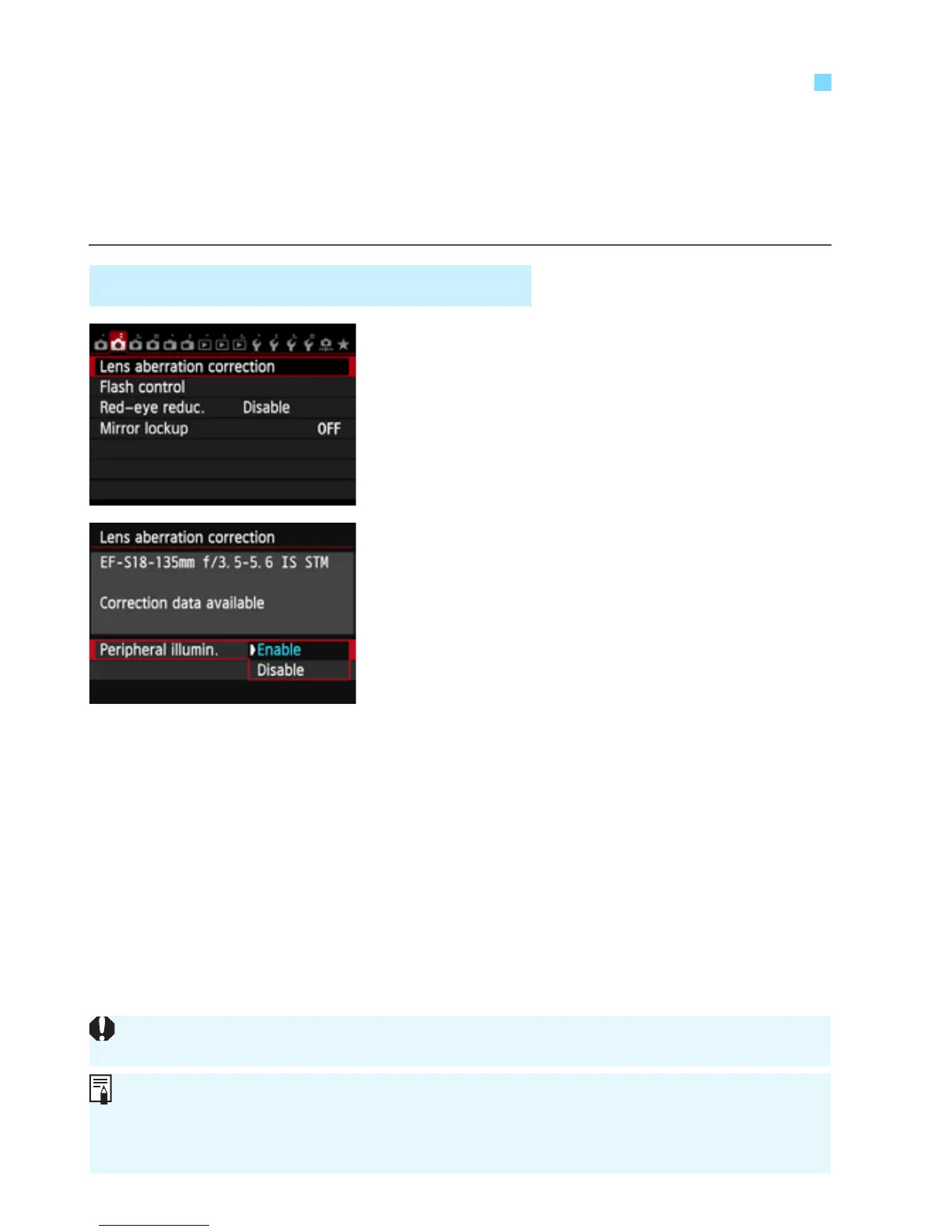
Under the [z2] tab, select [Lens
aberration correction], then press
<0>.
2
Select the setting.
Check that [Correction data
available] is displayed for the
attached lens.
Select [Peripheral illumin.], then
press <0>.
Select [Enable], then press <0>.
If [Correction data not available] is
displayed, see “Lens Correction Data”
on page 148.
3
Take the picture.
The image will be recorded with the
peripheral illumination corrected.
3
Lens Peripheral Illumination / Chromatic Aberration Correction
Peripheral Illumination Correction
Depending on shooting conditions, noise may appear on the image periphery.
The correction amount applied will be lower than the maximum correction
amount settable with Digital Photo Professional (provided software, p.456).
The higher the ISO speed, the lower the correction amount will be.



 To Next Page