261
k Shooting Movies
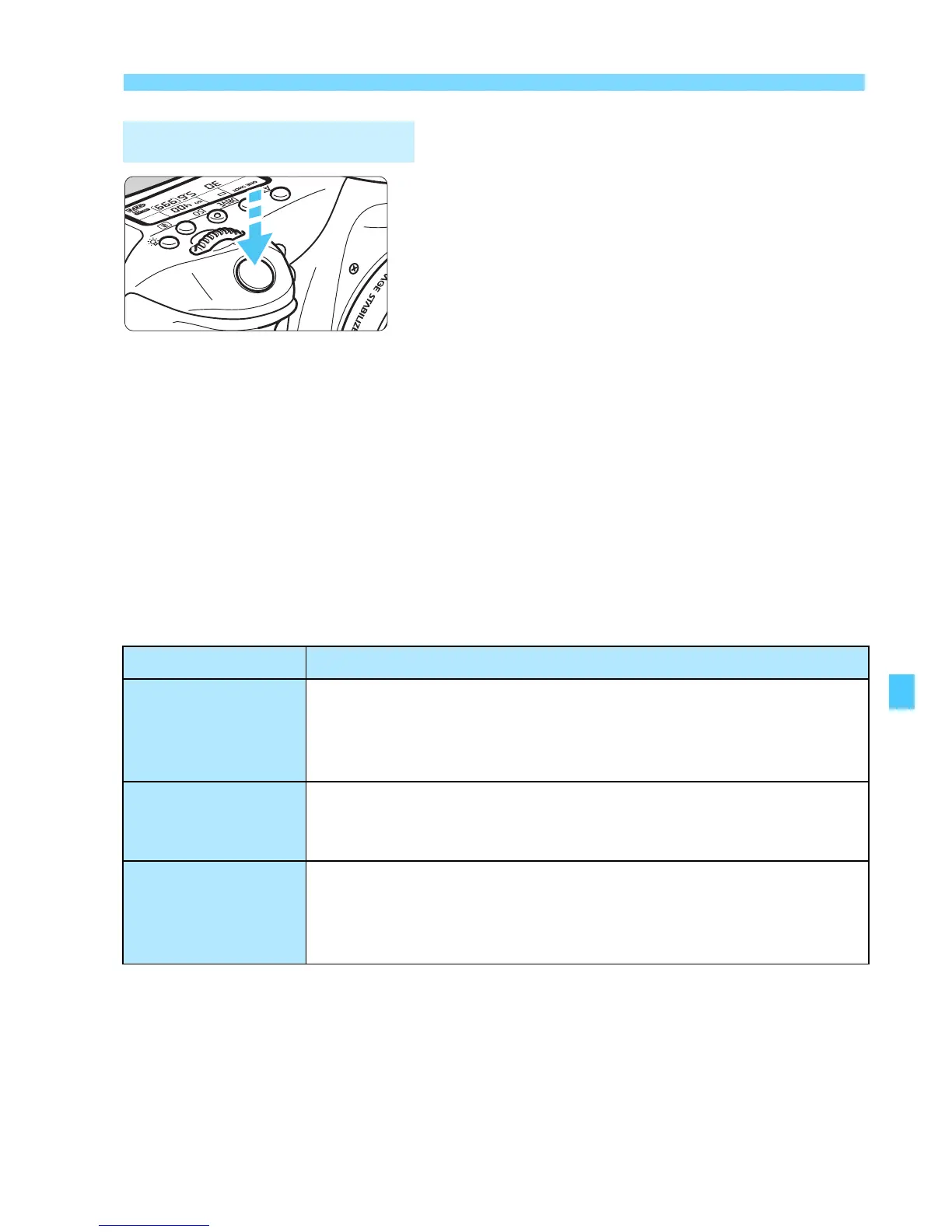
While shooting a movie, you can also
take a still photo by pressing the shutter
button completely.
Taking Still Photos during Movie Shooting
If you take a still photo during movie shooting, the movie will record
a still moment lasting approx. 1 sec.
The captured still photo will be recorded to the card, and the movie
shooting will resume automatically when the Live View image is
displayed.
The movie and still photo will be recorded as separate files on the
card.
Functions particular to still photo shooting are shown below. Other
functions will be the same as for movie shooting.
* If highlight tone priority is set, the ISO speed range will start from ISO 200.
Shooting Still Photos
Function Settings
Image-recording
quality
As set in [z1: Image quality].
When the movie recording size is [1920x1080] or
[1280x720], the aspect ratio will be 16:9. When the size is
[640x480], the aspect ratio will be 4:3.
ISO Speed*
• Wi h autoexposure shooting: ISO 100 - ISO 6400.
• Wi h manual exposure shooting: See “ISO speed during
manual-exposure shooting” on page 257.
Exposure Setting
• Wi h autoexposure shooting: Automatically-set shutter
speed and aperture.
• Wi h manual exposure shooting: Manually-set shutter
speed and aperture.



 To Next Page