224
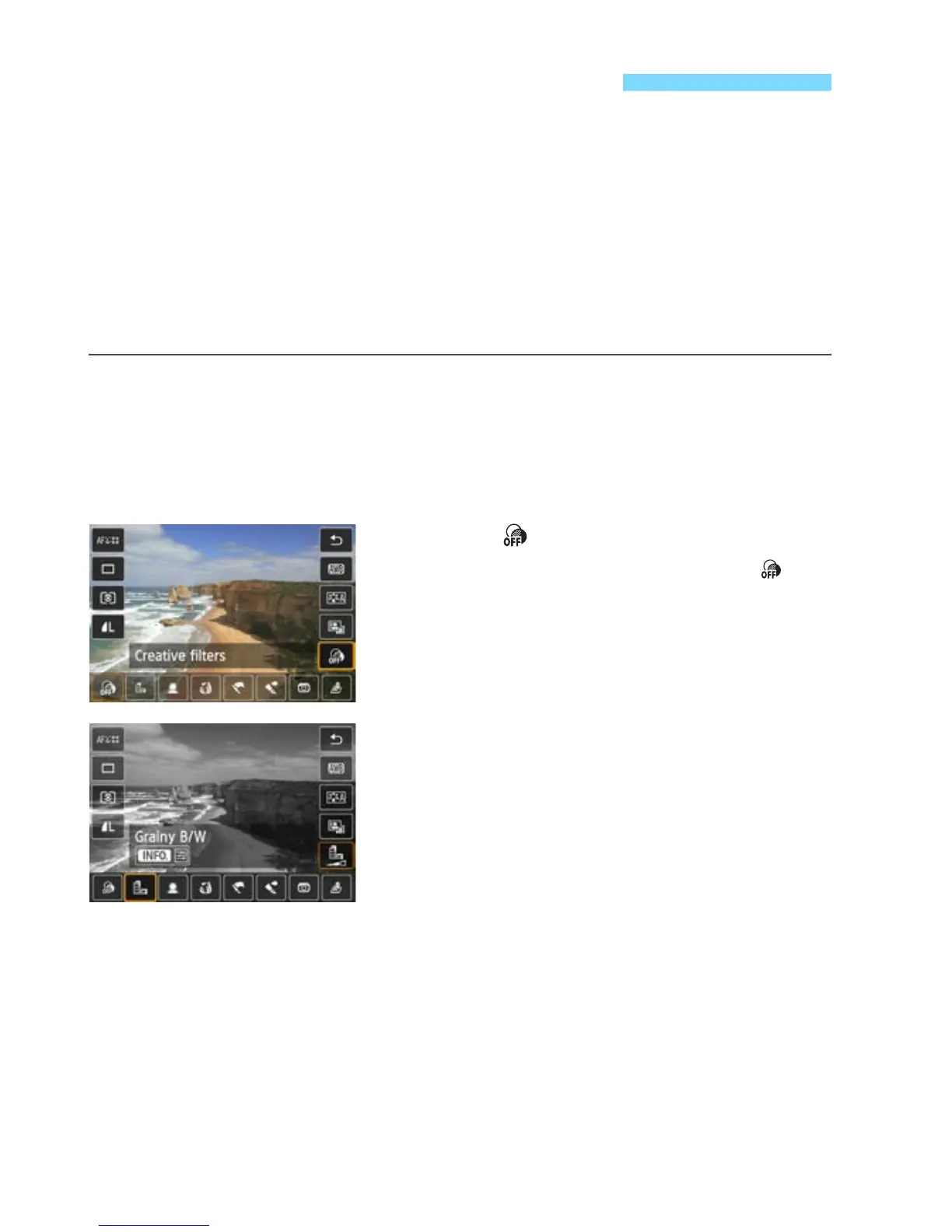
While viewing the Live View image, you can apply a filter effect (Grainy
B/W, Soft focus, Fish-eye effect, Art bold effect, Water painting effect,
Toy camera effect, or Miniature effect) before shooting. These are
called Creative filters.
When you take the picture, the camera saves only the image with the
Creative filter applied. If you also want to save the image without a
Creative filter applied, take the picture without a Creative filter. Then
apply a Creative filter effect and save it as a new image (p.335).
1
Set any shooting mode except <
F
>
or <
G
>.
2
Press the <Q> button. (7)
X Quick Control will appear.
3
Select [ ].
Press the <V> key to select [ ]
(Creative filters) on the screen’s right
side.
4
Select a filter.
Press the <U> key to select the
desired filter effect (p.226).
X The image will be displayed with the
selected filter applied.
U Shooting with Filter Effects



 To Next Page