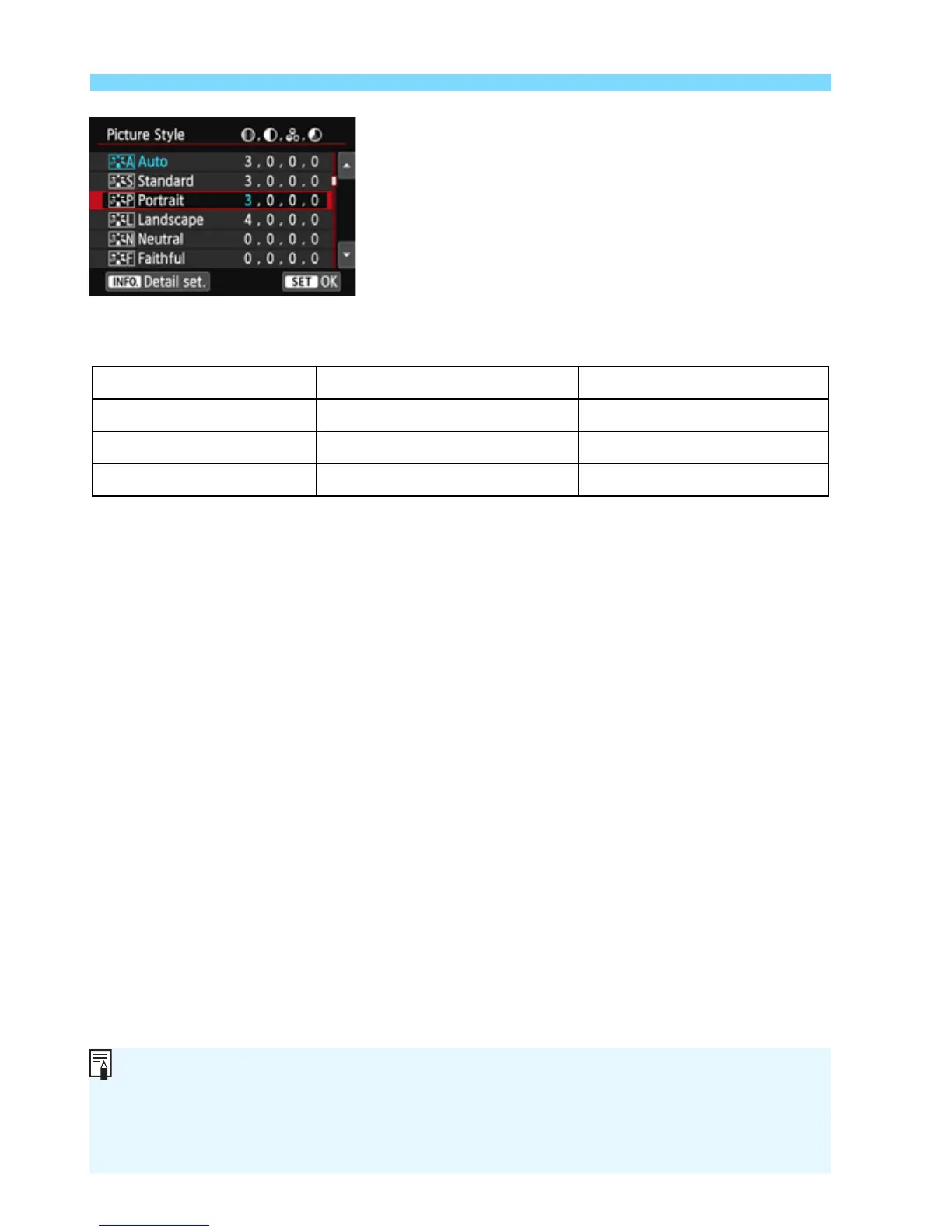
A Customizing a Picture StyleN
130
Press the <M> button to save the
adjusted parameters. The Picture
Style selection screen will reappear.
X Any parameter settings different from
the default will be displayed in blue.
Parameter Settings and Effects
g Sharpness 0: Less sharp outline +7: Sharp outline
h Contrast -4: Low contrast +4: High contrast
i Saturation -4: Low saturation +4: High saturation
j Color tone -4: Reddish skin tone +4: Yellowish skin tone
By selecting [Default set.] in step 3, you can revert the respective
Picture Style to its default parameter settings.
To use the adjusted Picture Style, first select the adjusted Picture Style,
then shoot.



 To Next Page