173
w: HDR (High Dynamic Range) ShootingN
3
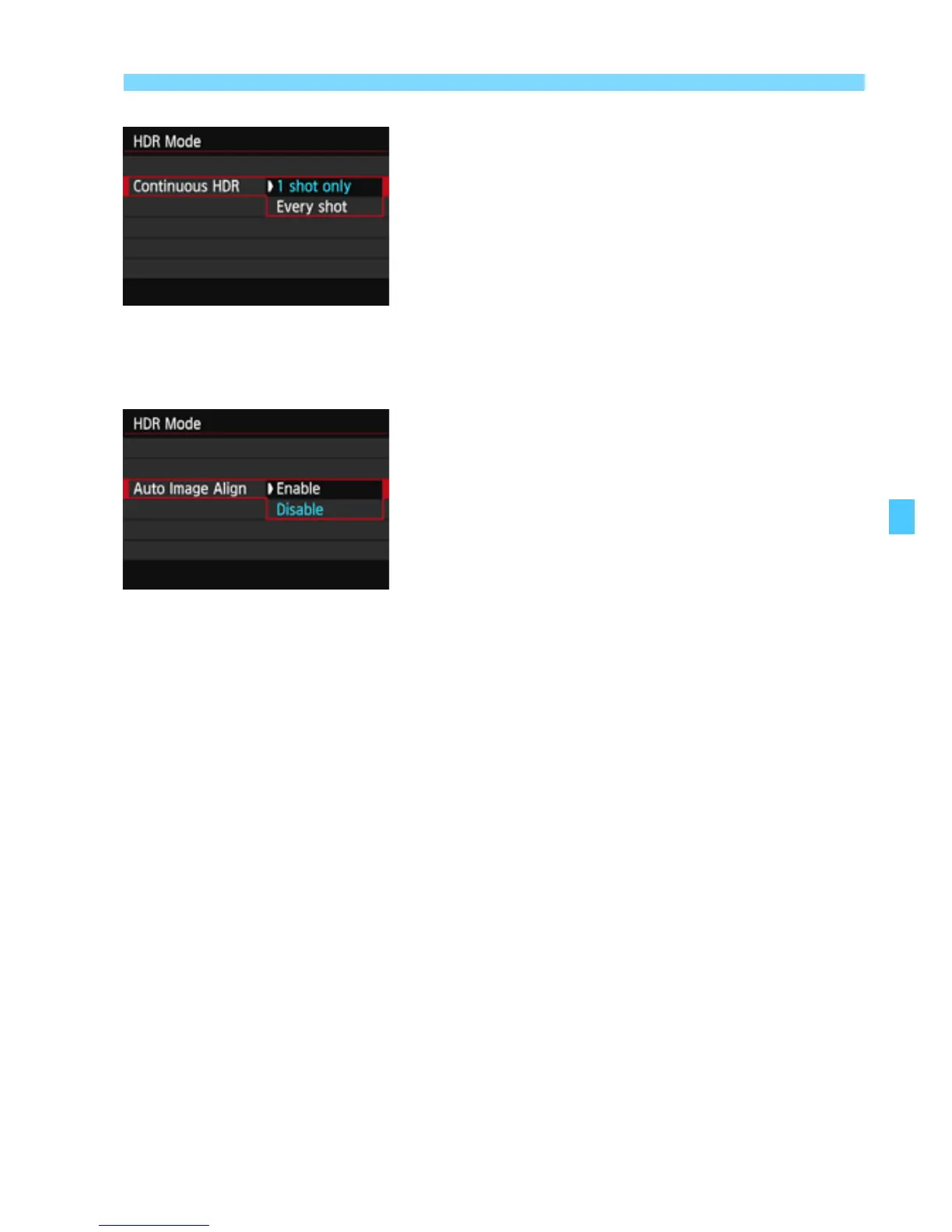
Set [Continuous HDR].
Select either [1 shot only] or [Every
shot], then press <0>.
With [1 shot only], HDR shooting will
be canceled automatically after the
shooting ends.
With [Every shot], HDR shooting
continues until the setting in step 2 is
set to [Disable HDR].
4
Set [Auto Image Align].
For handheld shooting, select
[Enable]. When using a tripod, select
[Disable], then press <0>.
5
Take the picture.
HDR shooting is possible with
viewfinder shooting and Live View
shooting.
X <w> will be displayed on the LCD
panel.
When you press the shutter button
completely, three consecutive images
will be captured, and the HDR image
will be recorded to the card.



 To Next Page