Shooting Function Settings
264
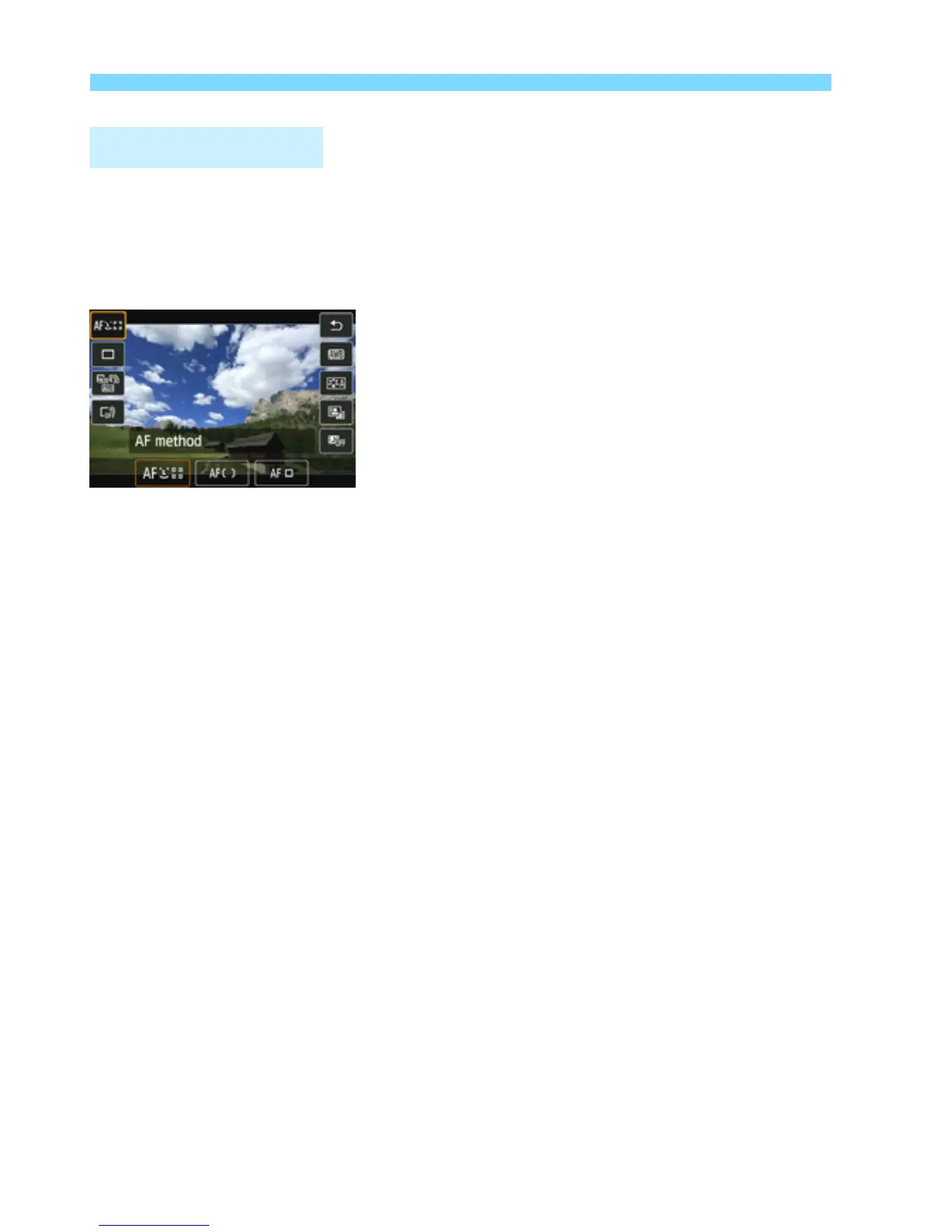
In Creative Zone modes, you can set the AF method, Drive mode,
Movie recording size, Digital zoom, White balance, Picture Style,
Auto Lighting Optimizer, and Video snapshots.
In Basic Zone modes, only the functions in bold can be set.
1
Press the <Q> button. (7)
X The settable functions will be
displayed.
2
Select a function and set it.
Press the <V> key to select a
function.
X The selected function and Feature
guide (p.69) will appear.
Set it by pressing the <U> key.
To set the Picture Style parameters,
press the <B> button.
3
Exit the setting.
Press <0> to finalize the setting and
return to movie shooting.
Q Quick Control



 To Next Page