57
Before You Start
The camera’s shooting function settings and menu settings can be
reverted to their defaults.
1
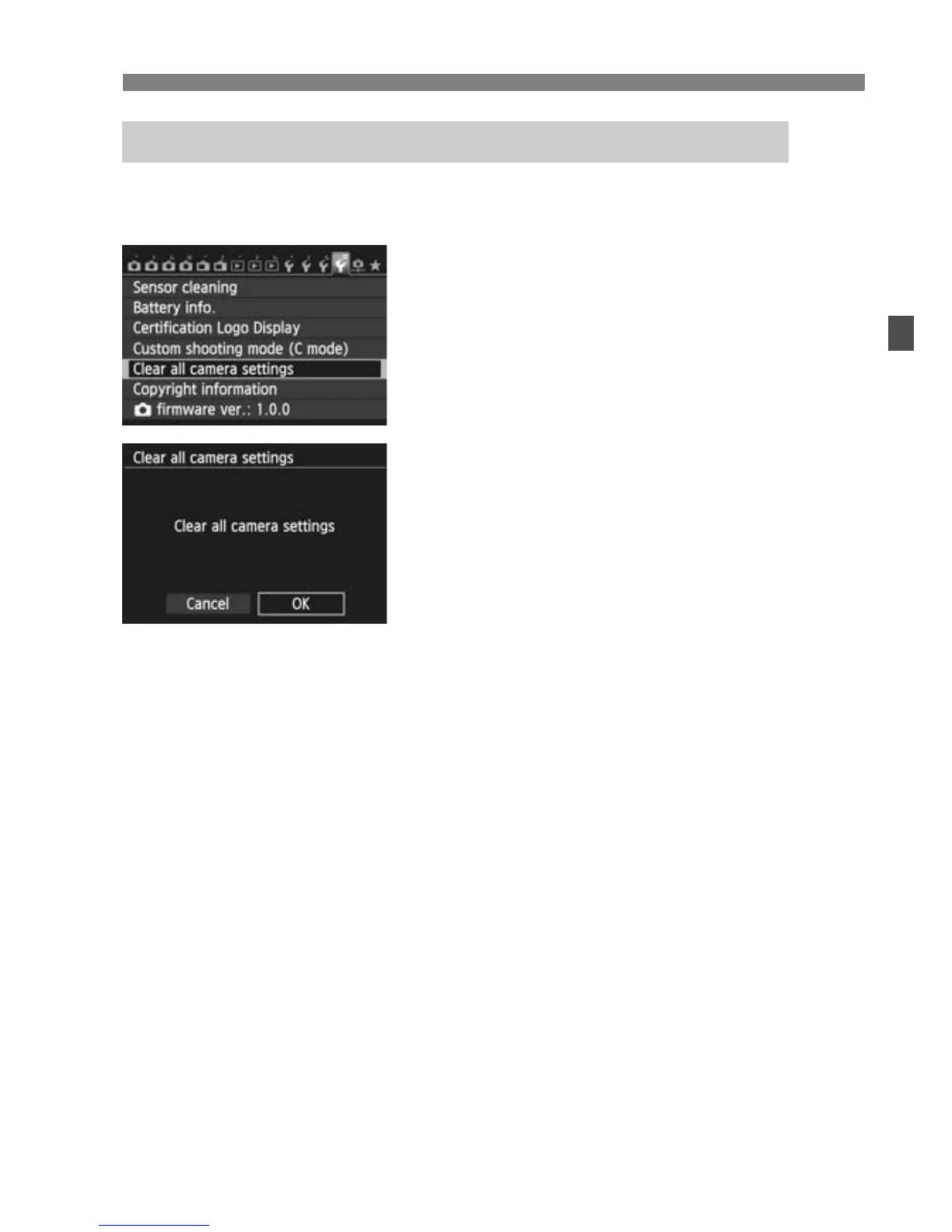
Select [Clear all camera settings].
Under the [54] tab, select [Clear all
camera settings], then press <0>.
2
Select [OK].
Select [OK], then press <0>.
3 Reverting the Camera to the Default SettingsN



 To Next Page