9
Registering a Nickname
4
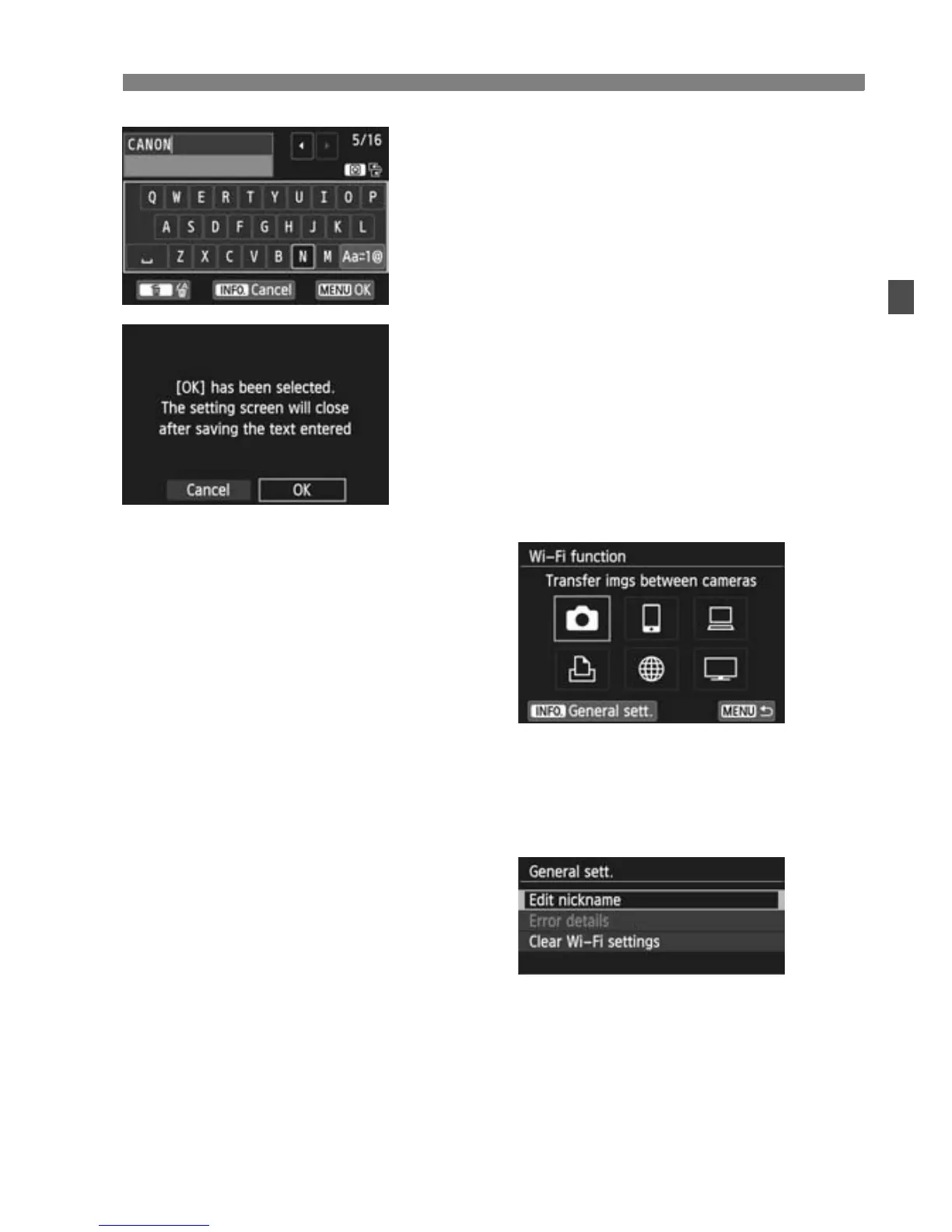
Enter a nickname.
For instructions on entering
characters, see “Virtual Keyboard
Operation” on the next page.
Up to 16 characters can be entered.
5
Finish.
When you are finished, press the
<M> button.
Select [OK] on the confirmation
screen, then press <0>. The
nickname is registered, and the [Wi-
Fi function] screen will appear.
To change the nickname, press the
<B> button on the screen above,
then select [Edit nickname] on the
screen displayed.



 To Next Page