29
Operating the Camera Using a Smartphone
1
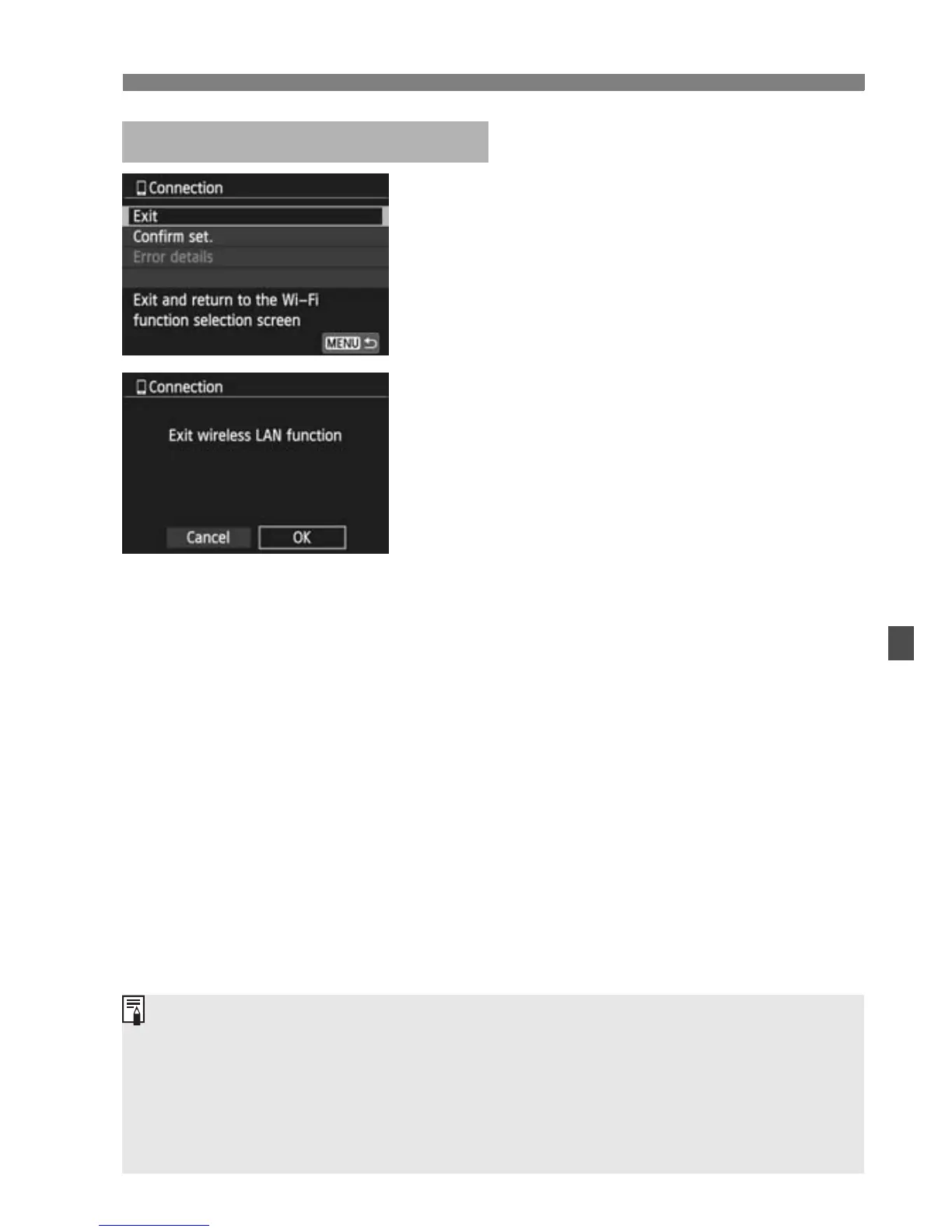
Select [Exit].
If the screen on the left is not
displayed, select [Wi-Fi function]
under the [53] tab.
Select [Exit] and press <0>.
2
Select [OK].
Press the <U> key to select [OK],
then press <0> to terminate the
connection.
Terminating the Connection
JPEG and RAW images are resized and saved as JPEG images in the
most appropriate format for smartphones.
Although movies are included in the list, they cannot be saved.
If the camera’s auto power off is activated during the wireless LAN
connection, the wireless LAN function will turn off. Wireless LAN
connection is restored when the camera wakes up from auto power off.



 To Next Page