18
Quick Overview
E
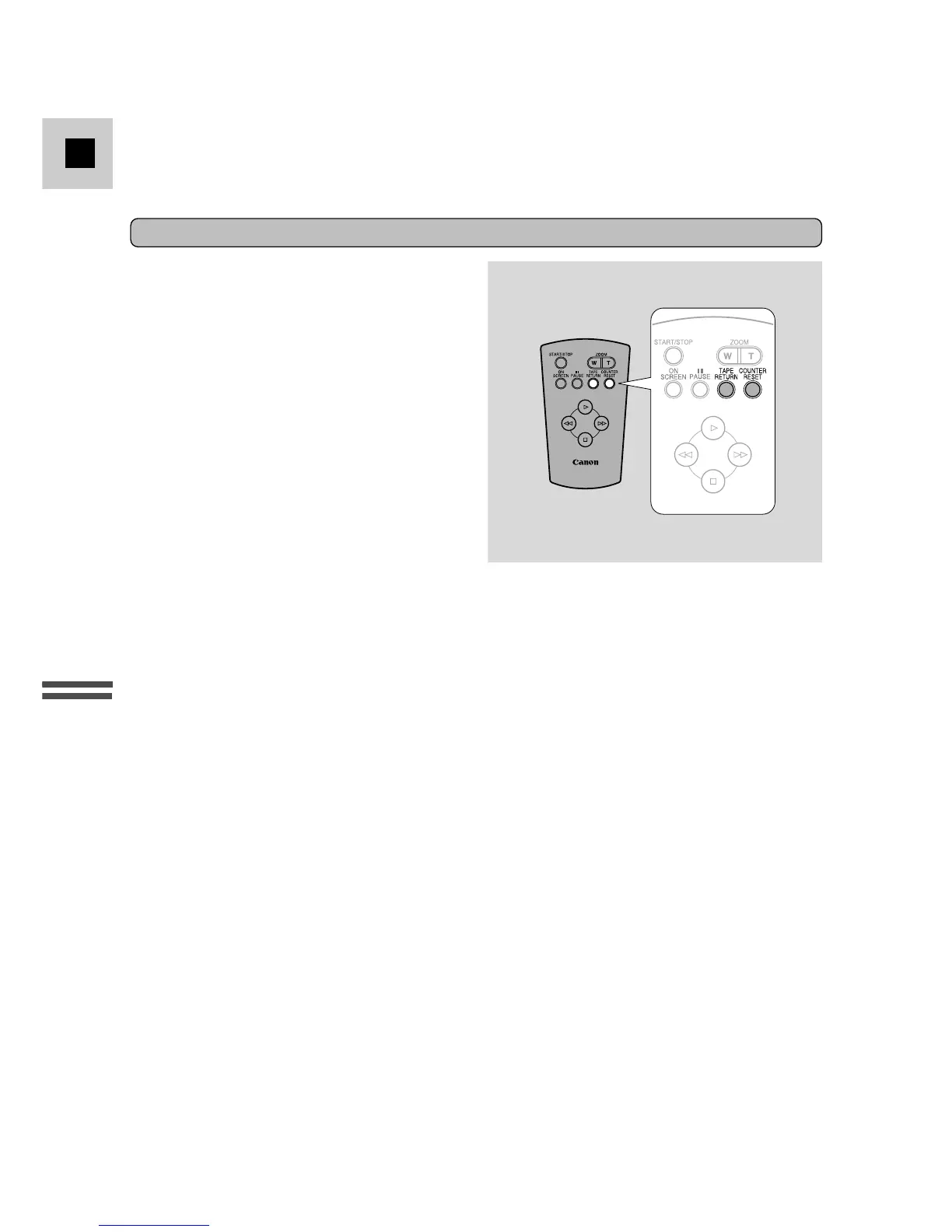
Tape return
Use the wireless controller’s TAPE
RETURN button to quickly return to a
scene you want to see again. You can
operate this function from the wireless
controller only.
1. Press the COUNTER RESET button during playback if you come
across a scene you want to watch again later.
• The tape counter is reset to 0:00:00.
2. When you have ended playback, press the TAPE RETURN button.
• The tape rewinds and stops when the counter nears 0:00:00.
• You can cancel tape return by pressing the
3
button.
3. Start playback.
Notes:
• When the tape reaches the end during normal playback it rewinds automatically.
• Noise bars appear and the soundtrack cannot be heard during special playback. The
picture may roll and divide, appear black and white and the picture may not be
visible during high-speed search.
• During still playback, the picture flickers, and fast action scenes may appear
blurred.
• The tape counter is reset when a cassette is loaded.
• You cannot use the tape return if the tape counter is already near 0:00:00.
• When you playback a cassette suffered considerable vibration or shaking during
recording, you may find that the playback picture is not stable, depending on the TV
you use.
High-speed search
To play back the recording at about 15 times normal speed, press and hold the
1 button during normal fast forward. For reverse playback at about 15 times
normal speed, press and hold the ` button during normal rewind.



 To Next Page