50
Advanced
Functions
E
Preparing the Camera
You should already have attached a power source to the camera and loaded a
cassette. When you have completed the following steps, you will be ready to start
recording.
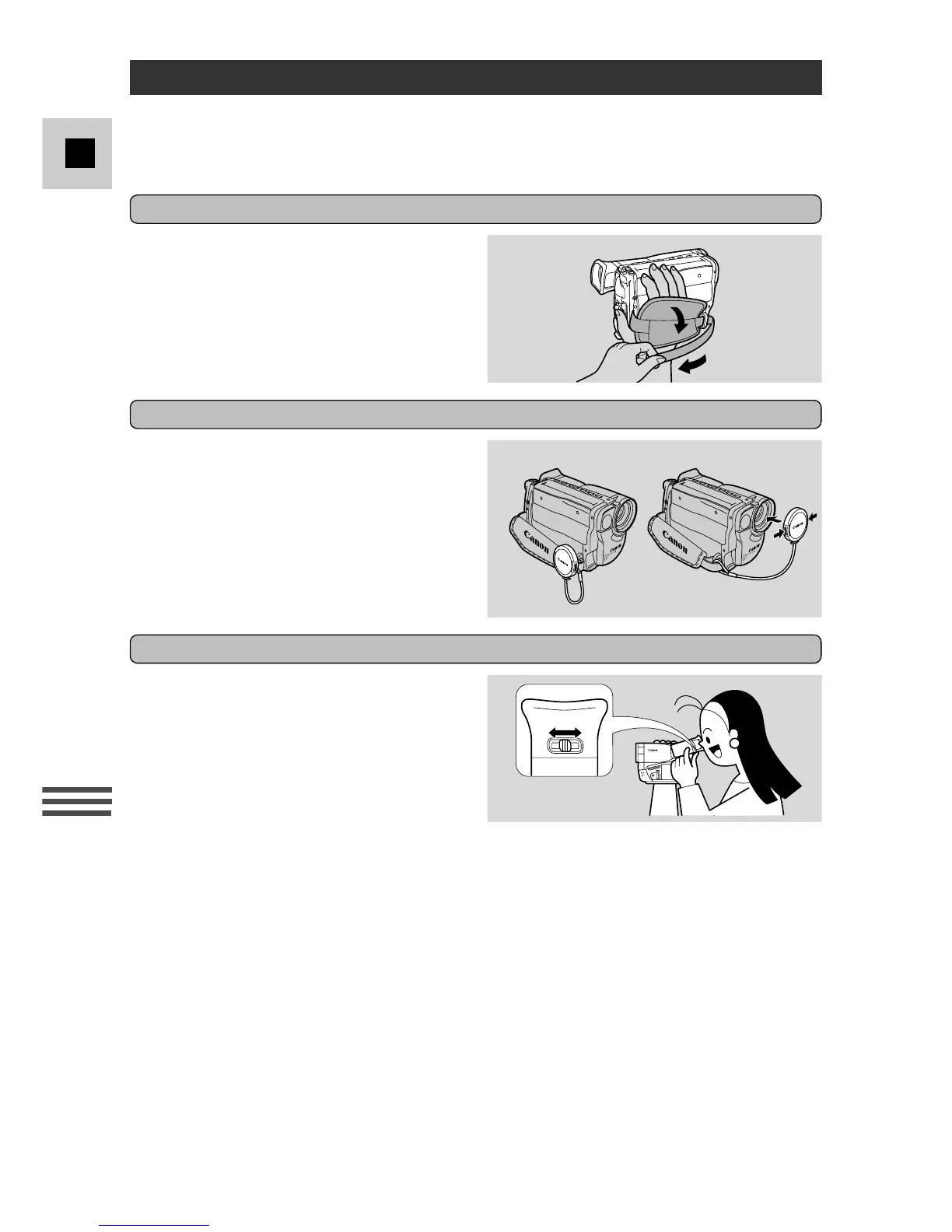
Fasten the grip belt
• Release the Velcro fastening and
hold the camera with your right hand
while you adjust the belt with your
left.
Adjust the viewfinder
• You can adjust the viewfinder to suit
your eyesight. First put the camera in
record pause mode (open the
STANDBY cover and turn the
program selector to camera mode).
• Adjust the viewfinder by sliding the
viewfinder focusing switch to the left
or right to bring the viewfinder
display clearly into focus.
• The viewfinder also rotates through
70° to give a choice of shooting
positions.
Prepare the lens cap
• Attach/remove the lens cap as
shown.
• Hook the lens cap on to the grip belt
while you are recording, and place it
over the lens when you have
finished.



 To Next Page