EasyManua.ls Logo

Canon G2000 - Viewfinder Display Symbols

Canon G2000
70 pages
Print Icon
To Next Page IconTo Next Page
To Previous Page IconTo Previous Page
Loading...
66
Additional
Information
E
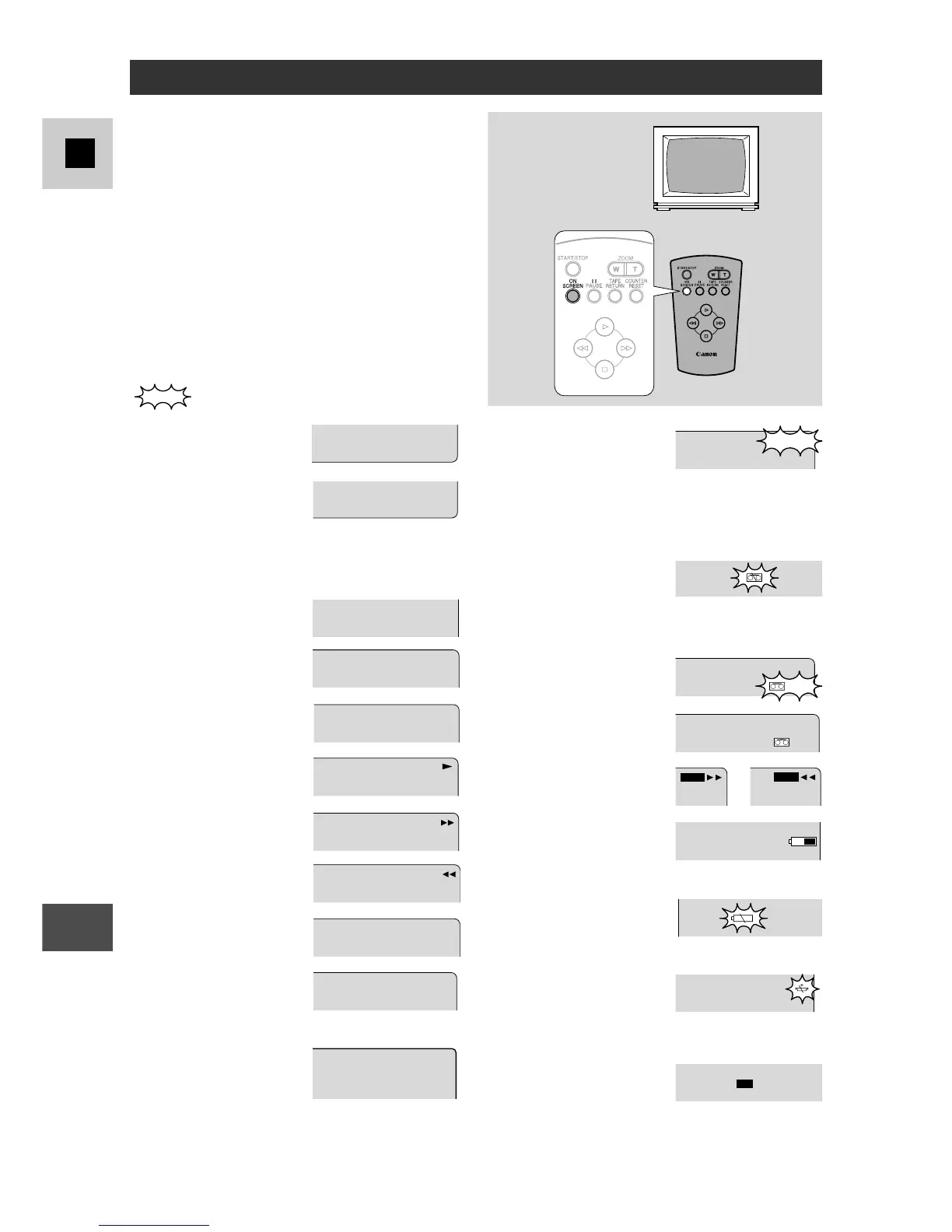
Viewfinder Displays
Use the wireless controller’s ON
SCREEN button to choose whether or not
the viewfinder displays appear on the TV
screen. They are not recorded to the tape
if you start recording with the camera.
indicates a flashing display.
Date and time display
(p. 30)
The date and time have
not been set. This
display will not be
recorded
(p. 30).
Title (p. 32–33)
Record pause mode
(p. 13)
Recording (p. 13)
Playback (p. 17)
Fast forward (p. 17)
Rewind (p. 17)
The tape is stopped
(p. 17).
The camera is
ejecting the tape
(p. 11).
Hi 8 Recording or
playback.
(G15Hi/G20Hi)

1002.NUJ.81
MP53:2
The safety mechanism
is activated. Unload
the cassette and turn
the camera off. Turn it
on again and reload
the cassette.
No cassette is loaded,
or the cassette is set
for erasure prevention
(p. 11).
The tape is within 5
minutes of the end.
The tape has reached
the end.
Tape return, forward
and reverse (p. 18)
Shows how much
battery power remains
(p. 53).
The battery pack is
nearly exhausted
(p. 9, 53).
The backup battery is
nearly exhausted, or
not inserted properly
(p. 54).
PHOTO MODE is set
to OFF in the camera
menu (when the
PHOTO button is
pressed) (G20Hi)
(p. 43).
POTS
,.
:
WEDD I NG
ESUAP
CER
TCEJE
TCEJE
DNE
DNE
T.RTN
T.RTN
OFF
OTOHP
g

Related product manuals