30
Advanced
Functions
E
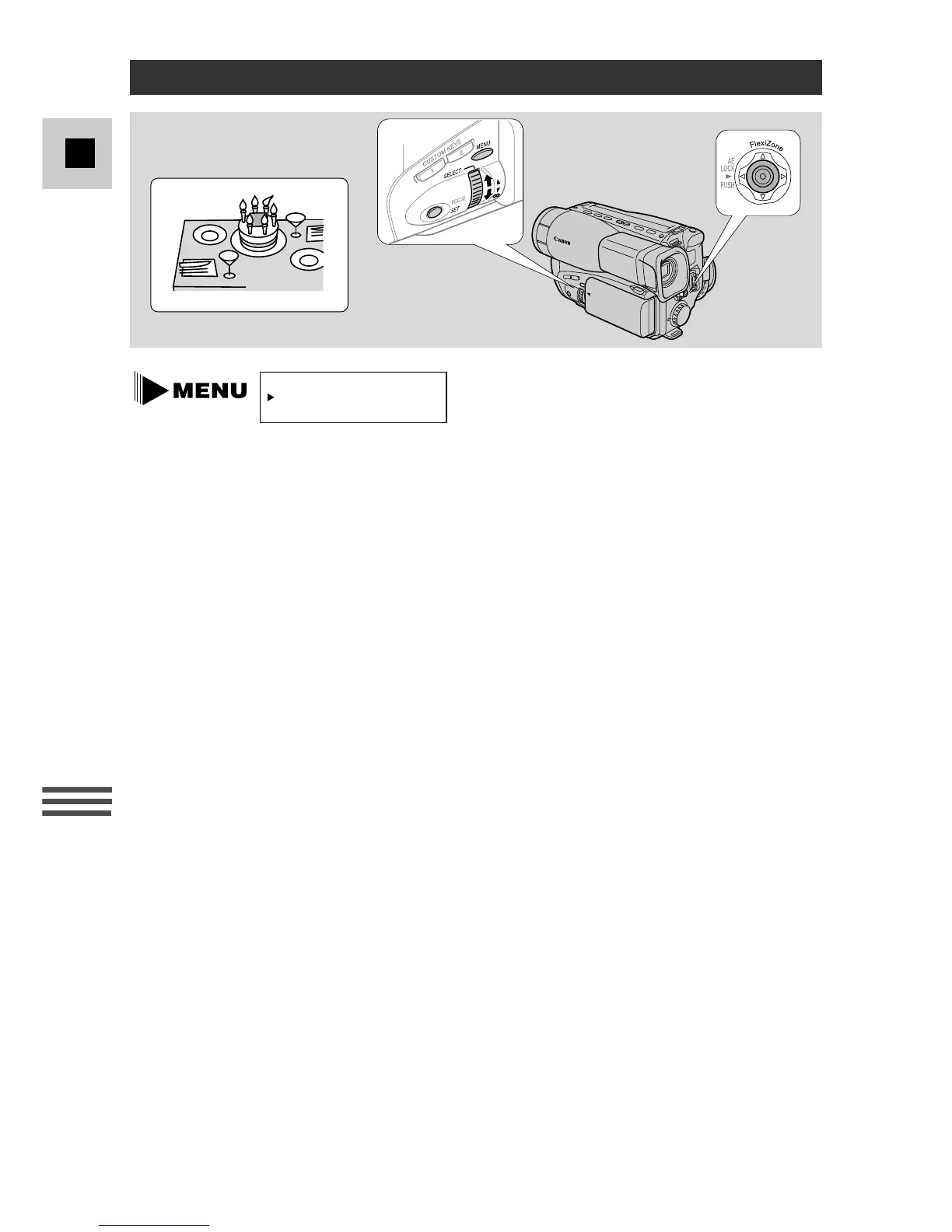
Choose whether to add the date and time to your recordings by selecting DATE
DISPLAY at the camera menu, and choosing one of the 3 options:
AUTO–10S: Adds the date and time to your recordings for the first 10 seconds
of each scene you record.
• The date/time display flashes in the viewfinder in record pause
mode.
OFF: The date and time will not be added to your recordings at any
time.
CONT.: The date and time are recorded continuously.
If you set the date display to AUTO–10S or CONT. but have not yet set the date
and time, –:– – appears in the viewfinder during record pause mode. This will not
be recorded.
Setting the Date and Time



 To Next Page