34
Advanced
Functions
E
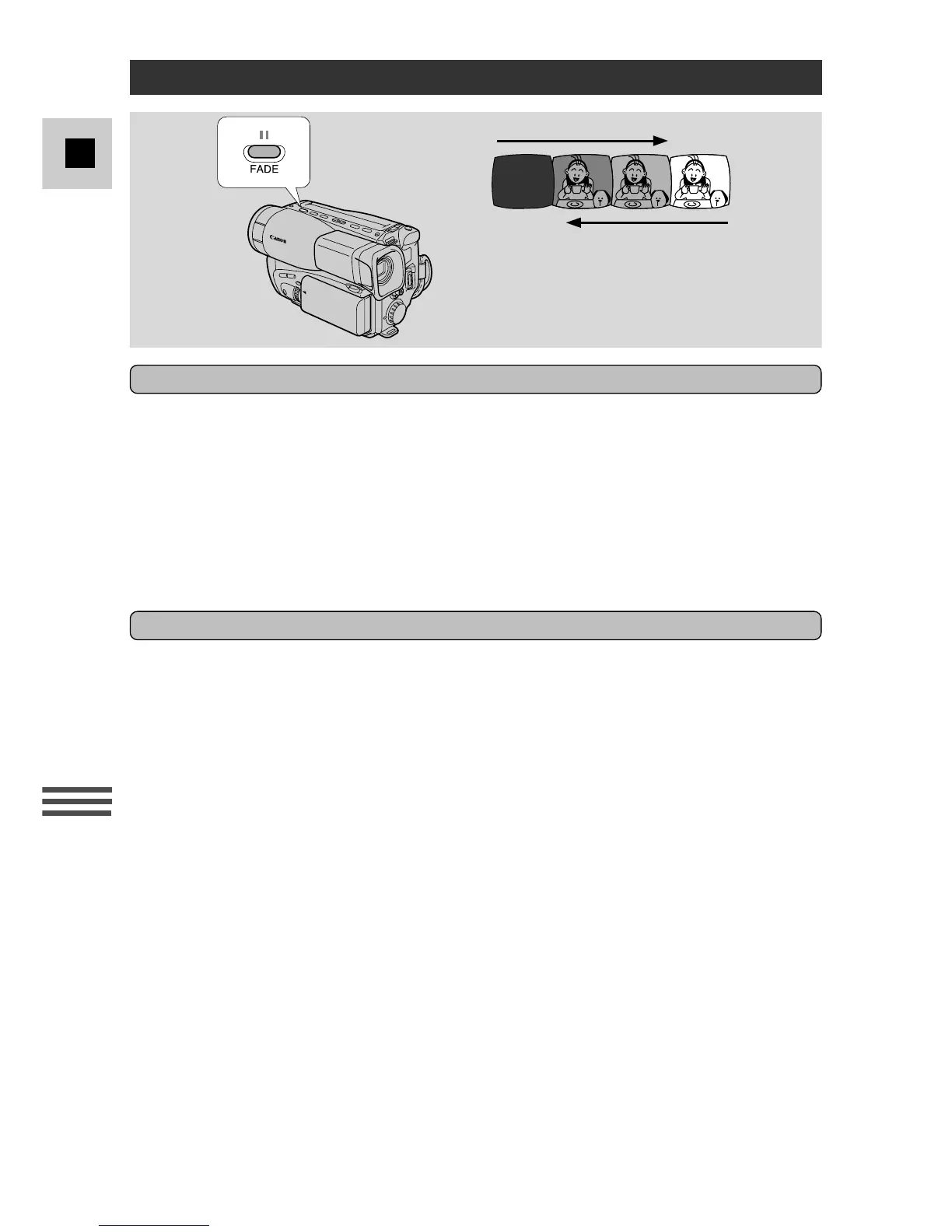
To make the scene gradually appear from a blank screen:
1. Make sure the camera is in record pause mode.
2. Press and hold the FADE button until the scene disappears completely
from the viewfinder.
3. Press the start/stop button to begin recording.
4. Release the FADE button.
• The scene gradually reappears in the viewfinder.
To make the scene gradually disappear:
1. Press and hold the FADE button during recording.
2. When the scene has completely disappeared, press the start/stop
button to end recording.
3. Release the FADE button.
Notes:
• In addition, you can assign CUSTOM KEY 1 to operate the fade (see p. 25). Once
assigned, press the CUSTOM KEY to fade in or out in the same way as detailed
above.
• The sound fades together with the image.
• Title, date and time displays do not fade.
Fade



 To Next Page