23
Advanced
Functions
E
Selecting from the Menus
The menus let you choose settings for a wide range of functions. There are two
separate menus, for recording (camera menu) and playback (play menu).
Camera menu
While the camera is in record pause mode, press the MENU button.
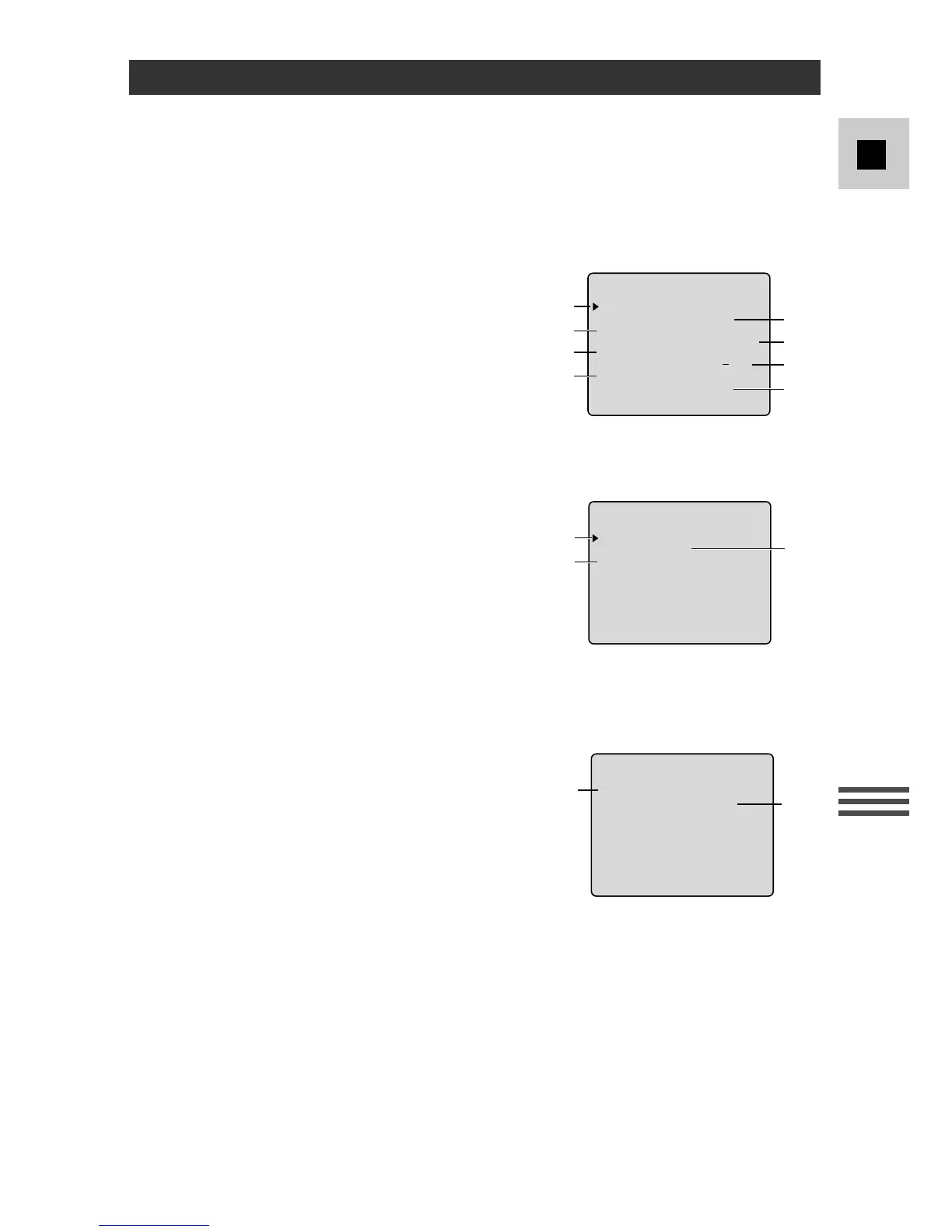
Screen 1
q Custom key information........................p. 26
w Remote sensor.......................................p. 28
e Image stabilizer (G15Hi/G20Hi) ..........p. 27
r Date select.............................................p. 31
t Date display...........................................p. 30
y Title .......................................................p. 32
u Photo mode (G20Hi).............................p. 43
i Demonstration.......................................p. 14
Screen 2
q Date set..................................................p. 31
w Title select .............................................p. 33
e Custom key set......................................p. 25
q Custom key information........................p. 26
w Remote sensor.......................................p. 28
Turn to the appropriate page for a detailed explanation of each function.



 To Next Page