4
Introduction
E
First, we’d like to thank you for buying
this Canon camcorder. Its advanced
technology makes it very easy to use —
you will soon be making high-quality
home videos which will give you
pleasure for years to come.
To get the most out of your new
camcorder, you should read this manual
thoroughly — there are many
sophisticated features which will add to
your recording enjoyment.
Thank you for Choosing a Canon
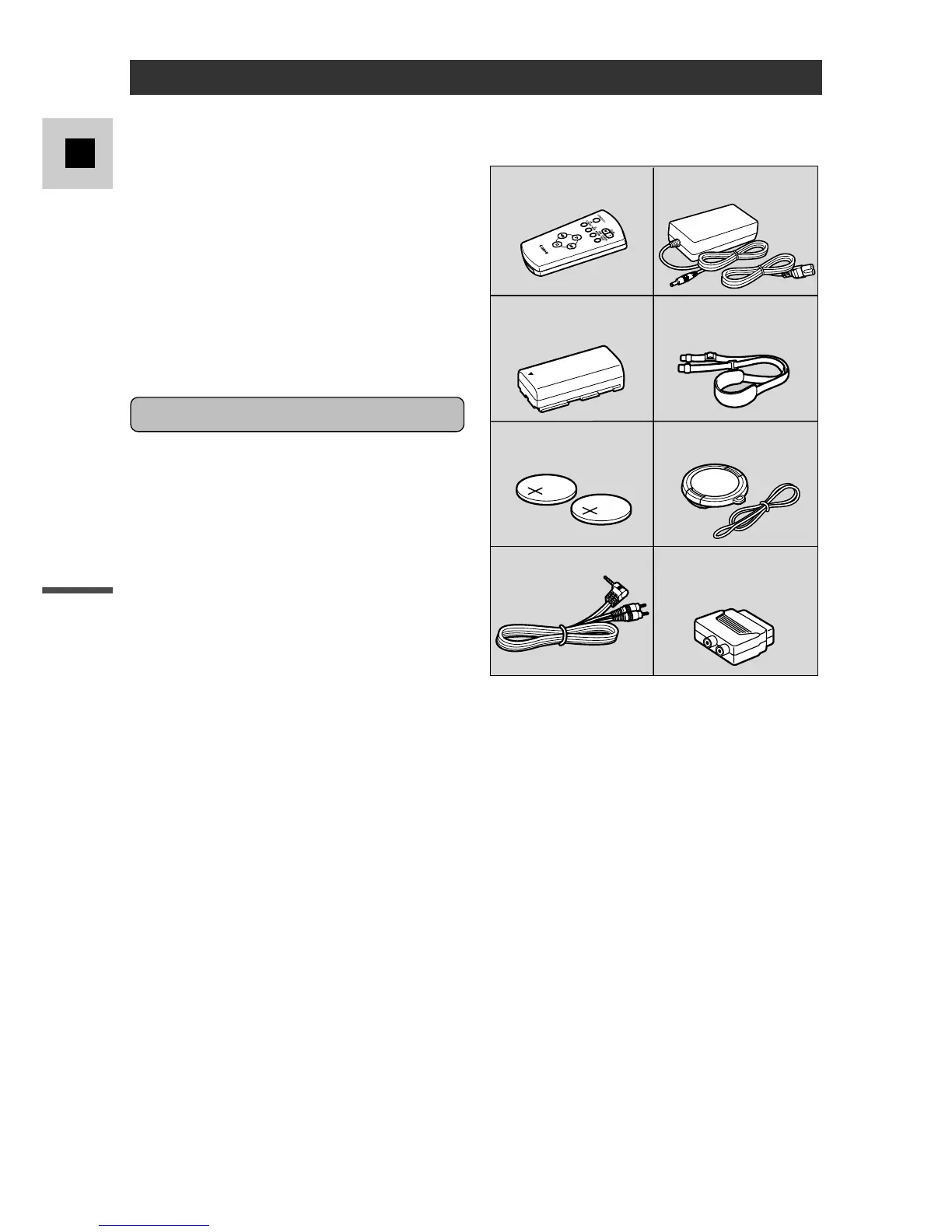
Check that this package contains the
following accessories:
Getting started
To get started we suggest that you
master the basic operations of the
camcorder first, before moving on to
use its full range of features.
For quick reference (in addition to the
contents and index) please refer to:
• Finding Your Way Around the
G2000/G15Hi/G20Hi (p. 6)
• Screen displays (p. 66)
• Troubleshooting — in case you run
into any problems (p. 63)
Note that capital letters are used to
refer to settings that appear in the
display and buttons labeled on the
camcorder itself e.g. Press the EJECT
5 button.



 To Next Page