The camera adjusts the exposure automatically, making sure that your pictures are
neither too dark nor too light. There is a choice of 6 recording programs to deal
with different recording conditions (see p. 36–37).
This section explains how to use 3 more exposure functions. These will give you
added control over your recordings.
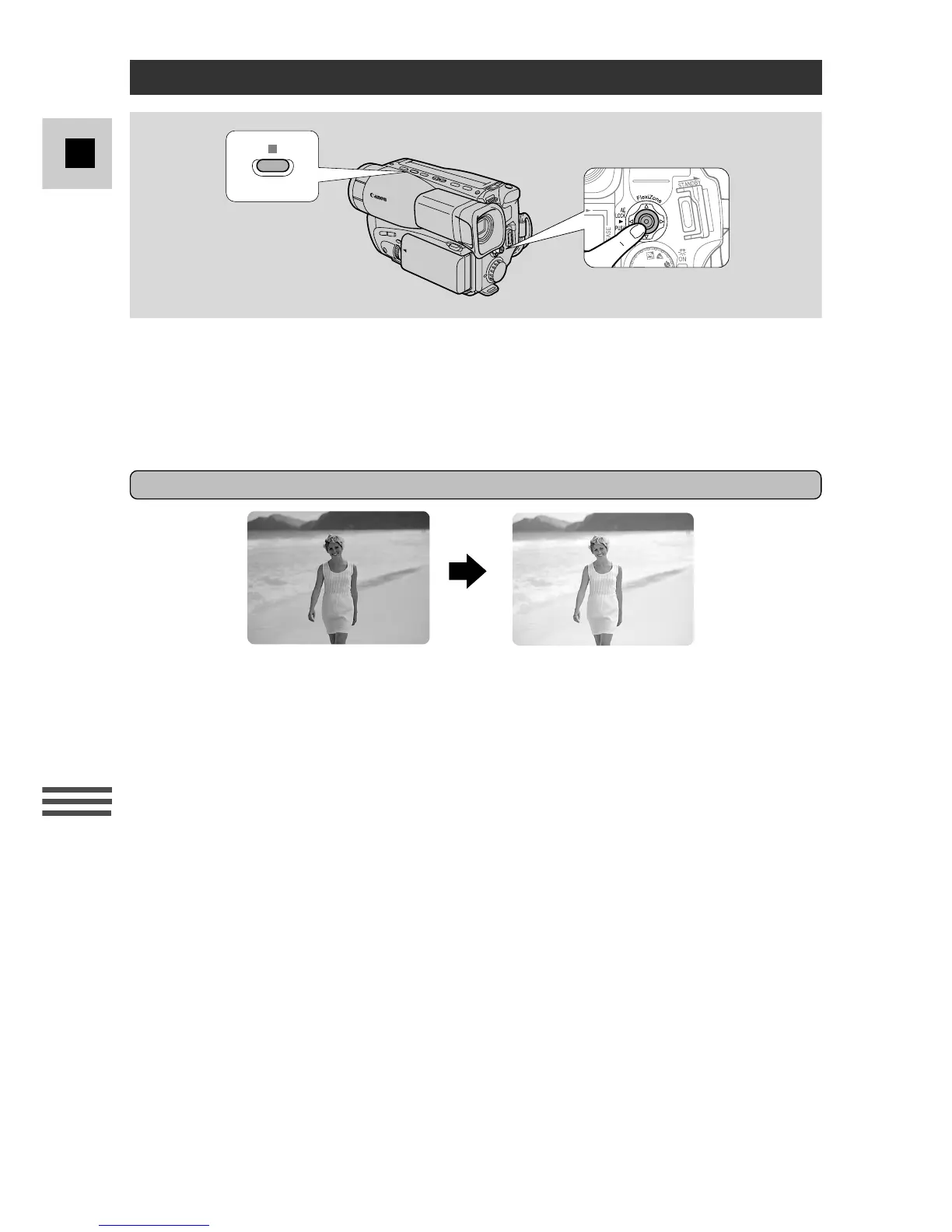
Compensating for backlight
If the subject is brightly lit from behind, it may appear under-exposed and lacking
in detail. To compensate for this, use the BLC function.
1. Select the Auto
a
or FlexiZone
w
Recording program.
2. Press and hold the BLC button.
• BLC appears in the display.
• The BLC function will take effect as long as you hold the key down.
3. Release the key when it is no longer needed.
Note:
• In addition, you can assign CUSTOM KEY 2 to operate the BLC (see p. 25).
Adjusting the Exposure Manually
BLC



 To Next Page