47
Advanced
Functions
E
1. Turn the program selector to camera or play mode.
2. Make sure that the CUSTOM KEYS are assigned to D.E.SELECT
and D.E.ON/OFF (see p. 25).
3. Press CUSTOM KEY 1 (the D.E.SELECT button) to choose the effect
you want.
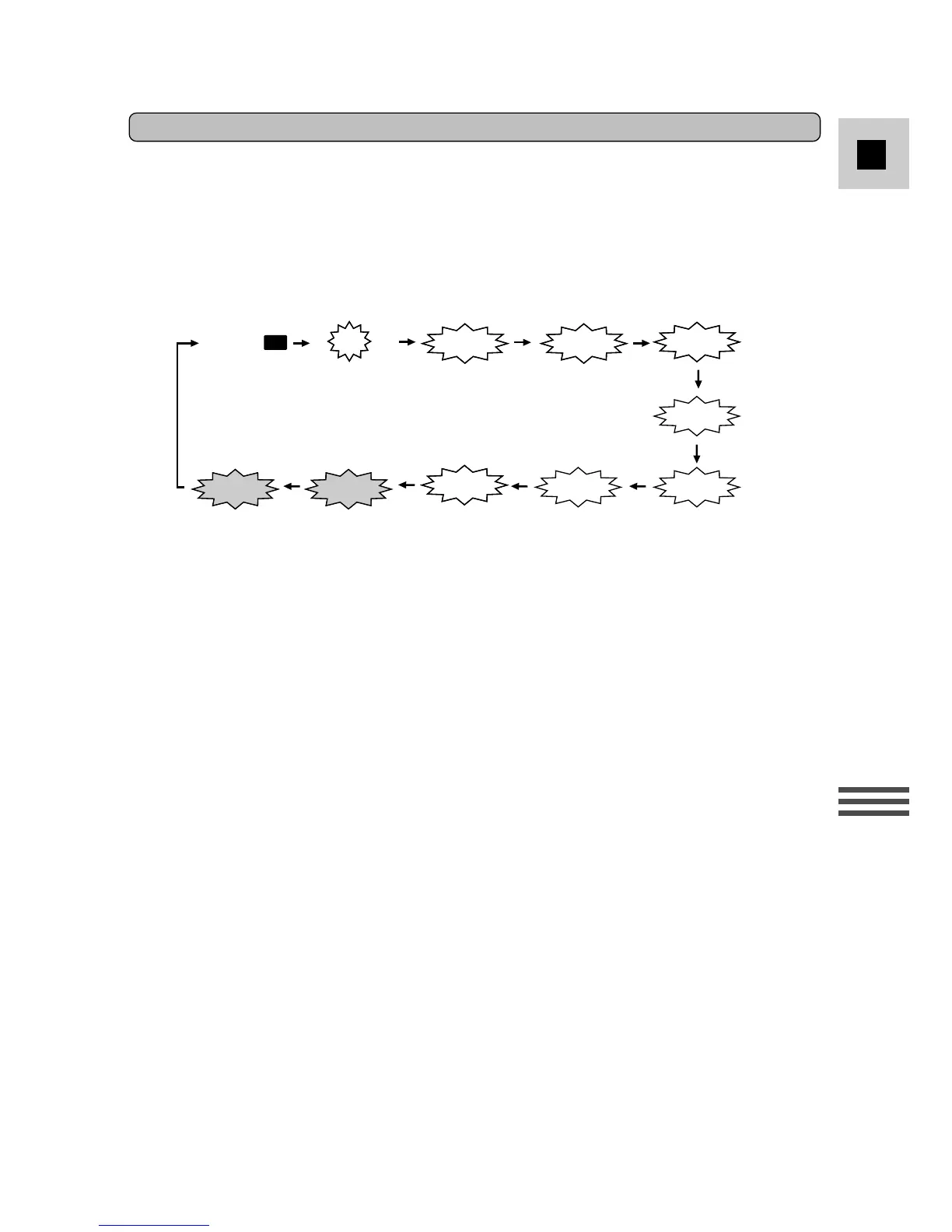
• Each time you press the key, the flashing viewfinder display changes:
4. Press CUSTOM KEY 2 (the D.E.ON/OFF button) to activate the
effect.
• The viewfinder display stops flashing and shines continuously.
5. Press CUSTOM KEY 2 to cancel the effect.
• The display starts flashing again. You can now select a different effect.
Notes:
• Choosing EFFECT
|
deselects all digital effects.
• In play mode, you can select a digital effect in stop mode or without a cassette
loaded, however you cannot turn it on until you play the tape .
Using Digital Effects



 To Next Page