46
Advanced
Functions
E
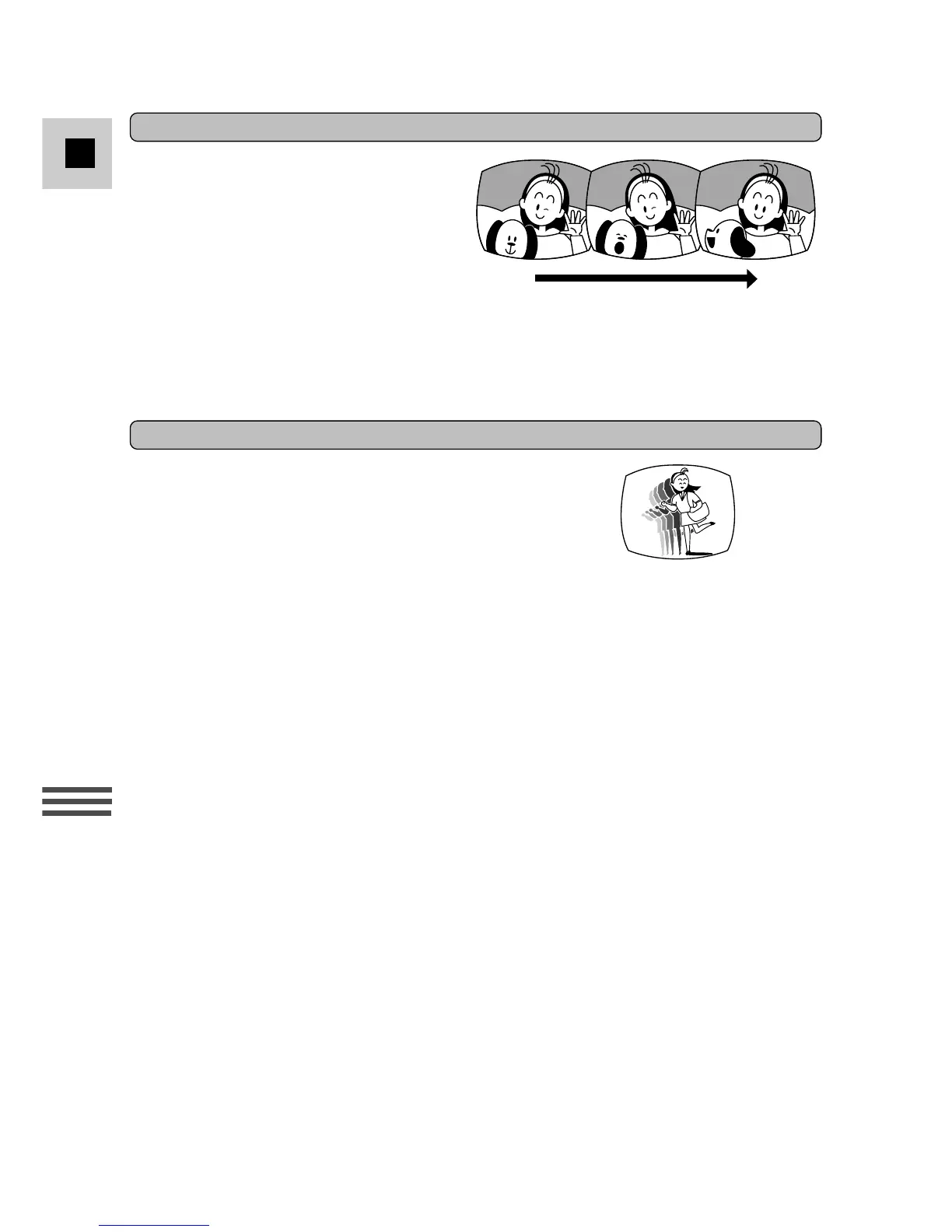
This effect converts on-screen action to
a series of still images, giving an effect
similar to slow-motion.
If you select Strobe after the image
stabilizer has already been turned on,
the image stabilizer automatically turns
off and i flashes and then disappears
after 4 seconds.
Accordingly, if Strobe is turned on first,
the image stabilizer becomes
inoperable.
Strobe* (G15Hi/G20Hi)
Adds increasingly transparent blurs around
moving subject, giving a ghostly special effect.
If you select Ghost after the image stabilizer
has already been turned on, the image
stabilizer automatically turns off and i
flashes and then disappears after 4 seconds.
Accordingly, if Ghost is turned on first, the
image stabilizer becomes inoperable.
Ghost* (G15Hi/G20Hi)



 To Next Page