44
Advanced
Functions
E
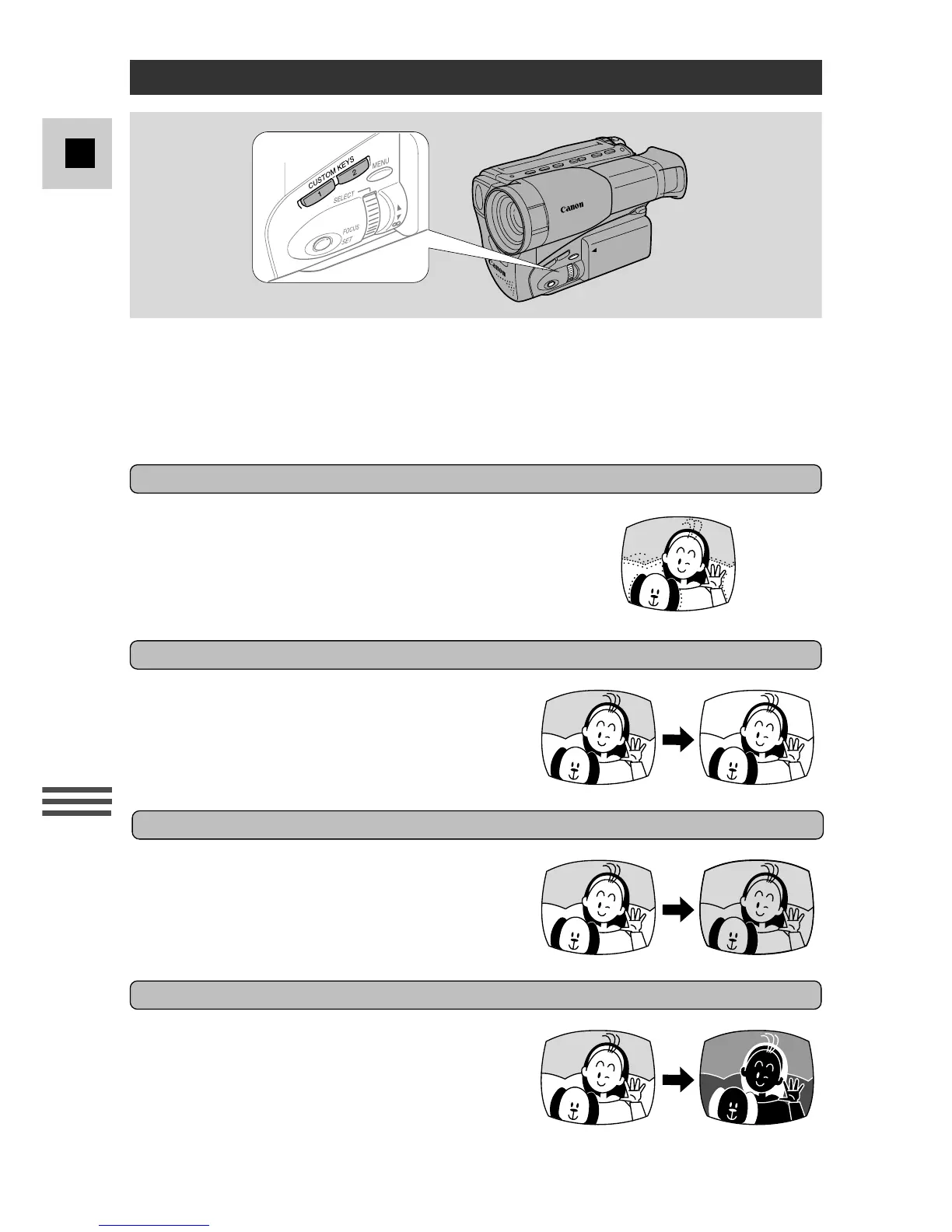
Makes the image in black & white.
You can add a variety of digital effects to your recording, during recording and
playback (negative-positive conversion, mirror, mosaic, 16:9, cinema, strobe and
ghost effects can be used only during recording). The soundtrack is not affected.
• The digital effects marked with asterisks can be used only during camera
recording.
Makes a monochrome image with a sepia tint.
Records a colour negative of the image. White
appears as black, yellow appears as blue, green
appears as red, etc. Also convert a negative
image to an ordinary positive one.
Using Digital Effects
Black & White
Negative-Positive Conversion*
Sepia
Adds a paint-like effect, called solarization, to
the image.
Art



 To Next Page