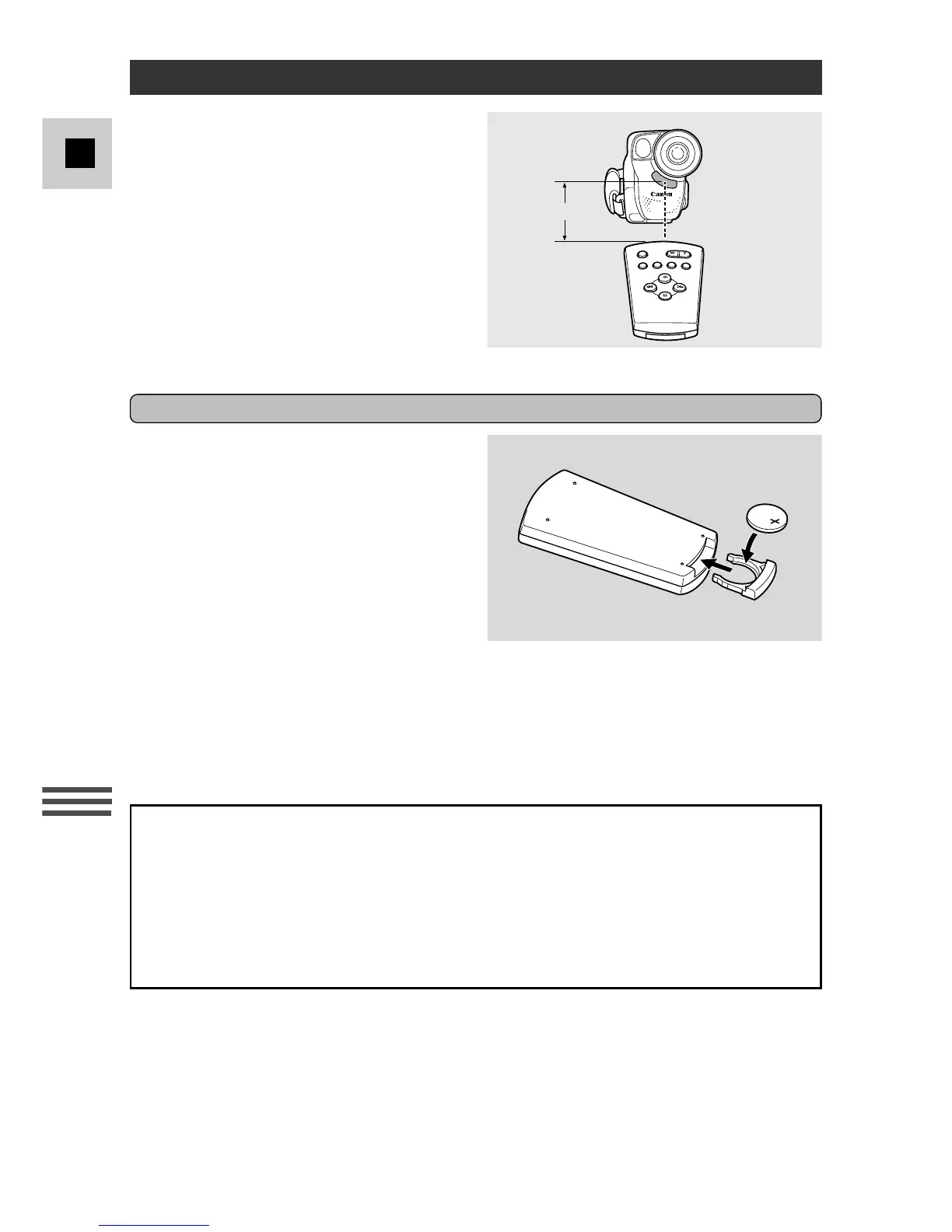
The wireless controller can operate the
camera from a distance of up to 5 meters
(16 feet). Point it at the camera’s
remote sensor while you press the
buttons.
There are 2 functions which can only
be operated using the wireless
controller:
• Tape return (p. 18)
• On-screen viewfinder displays
(p. 66)
Inserting battery
Pull out the battery holder from the
base of the wireless controller, and
insert the CR2025 lithium battery with
the + side facing upwards. Click the
holder back into place.
Notes:
• When using the wireless controller in brightly lit places or outdoors, the effective
range will be less.
• The camera may have difficulty picking up the remote control signals at extremely
close range.
• Do not leave the controller exposed to direct sunlight, or in hot or humid places.
WARNING!
The battery used in this device may present a fire or chemical burn hazard if
mistreated. Do not recharge, disassemble, heat above 100°C (212°F) or
incinerate. Replace the battery with a Sony, Sanyo, Hitachi Maxell or
Panasonic CR2025, or Duracell DL2025. Use of another battery may present a
risk of fire or explosion. The used battery should be handed back to the
supplier for safe disposal.



 To Next Page