65
Additional
Information
E
? The video light won’t turn on.
(G20Hi)
? The e (Play) button doesn’t work.
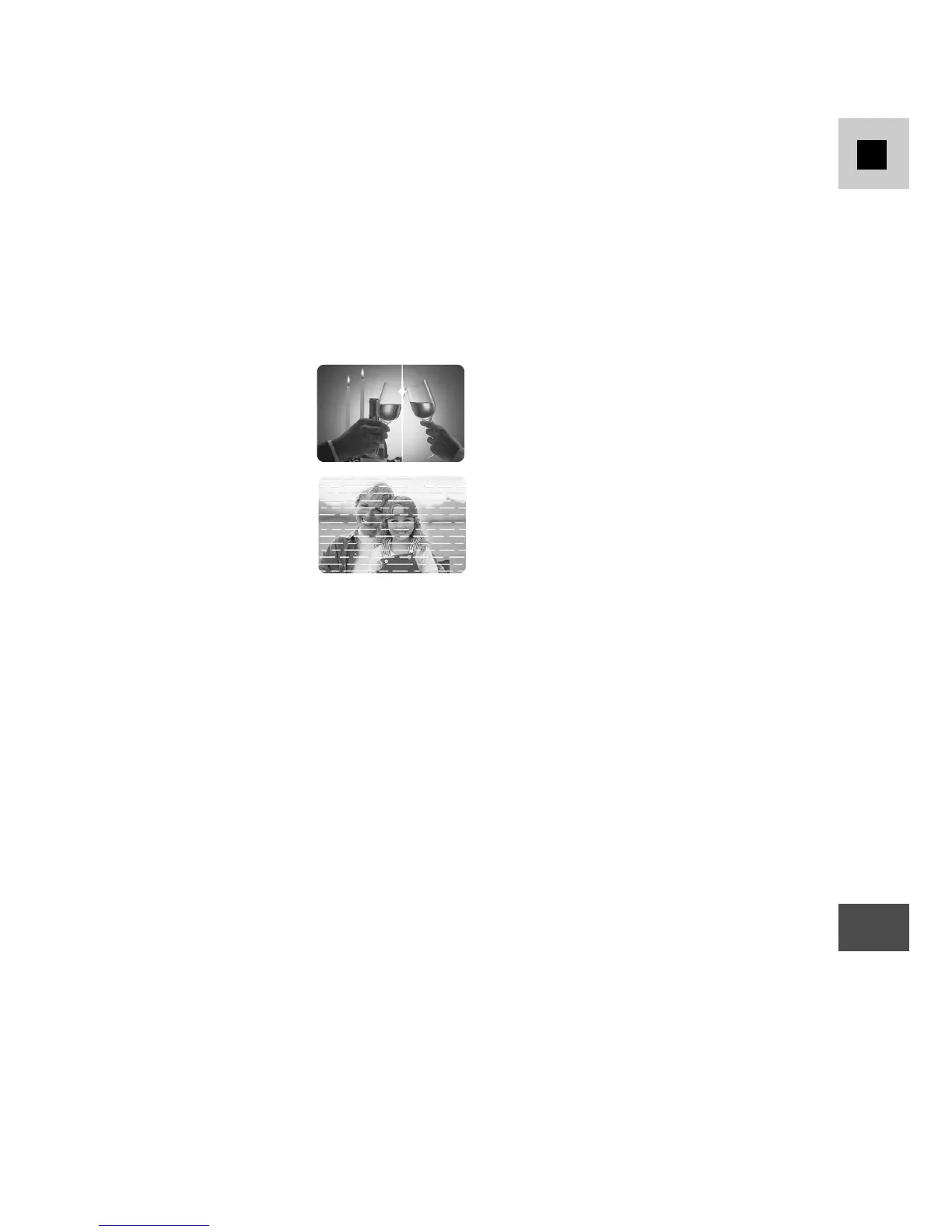
? There’s a bright
stripe on the
screen.
? The playback
picture is rough.
? There’s no picture on the TV
screen, even though the tape is
moving.
? The wireless controller doesn’t
work.
? Malfunction
• The program selector is in PLAY
mode.
• The STANDBY cover is closed.
• The bulb has reached the end of its
life.
• The program selector is not set to
PLAY (p. 17).
• You haven’t loaded a cassette
(p. 11).
• The tape has reached the end.
• When you are recording in dark
places, a bright light in the scene may
cause a vertical bar, called smear, to
appear on the screen.
• If your recordings do not play back
smoothly, clean the video heads
(p. 60).
• The video heads need cleaning
(p. 60).
• The TV/VIDEO selector on the TV
isn’t set to VIDEO (p. 19–20).
• The remote sensor is turned off
(p. 28).
• External interference may cause the
camera’s microprocessor to
malfunction temporarily. If random
letters appear in the viewfinder or if
normal operation is interrupted,
remove and then replace the power
source (and if necessary, the backup
battery).
About the LCD Viewfinder
Liquid Crystal Viewfinder use extremely high-precision technology, but there will
be pixels which do not light up or which are continuously lit. This is not an error
and will not affect recording.



 To Next Page