4-23
Sending Documents
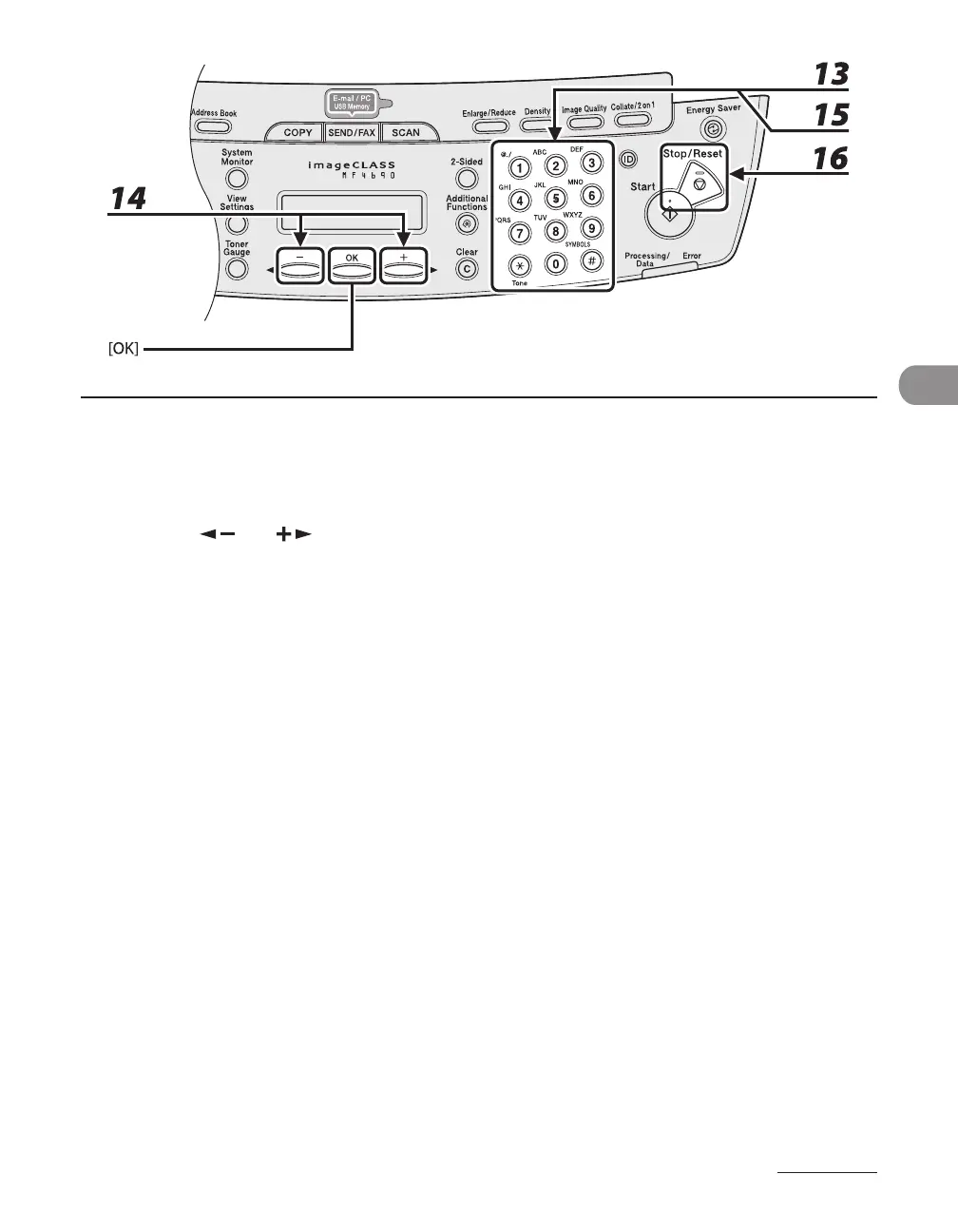
13 Use the numeric keys to enter the login name, then press [OK].
You can enter up to 24 characters for the login name.
14 Press [ ] or [ ] to select <PASSWORD>, then press [OK].
15 Use the numeric keys to enter the password, then press [OK].
You can enter up to 14 characters.
To register another one-touch key or coded dial code, repeat the procedure from step 4.
16 Press [Stop/Reset] to return to the standby mode.










 To Next Page