Canon imagePRESS Lite C170 Series Service Guide
imagePRESS Lite C170 Series Service Guide March 2022
Revision 11 Page 95
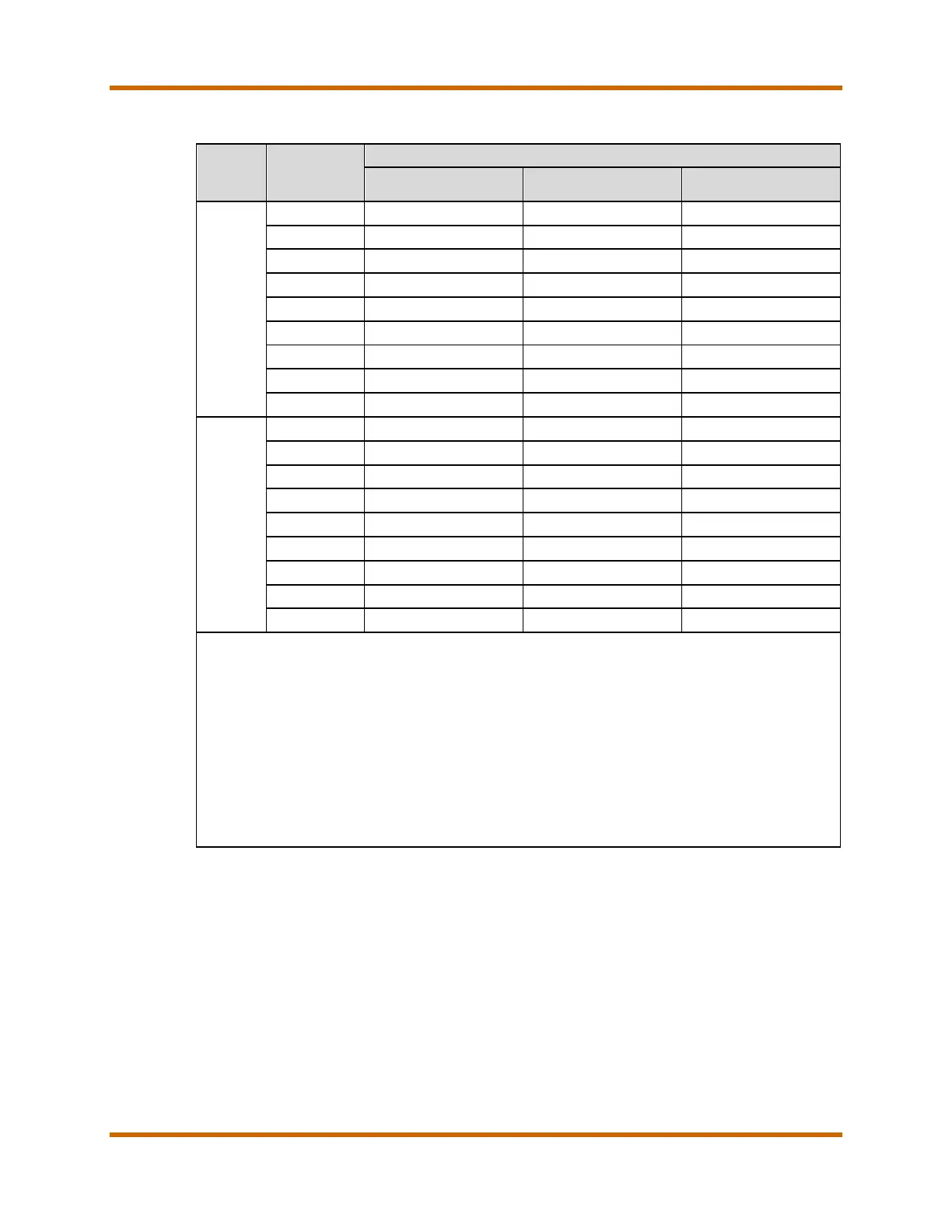
Table 53 – imagePRESS Lite C165 Print/Copy Speeds
Mode Size
Productivity (ppm) (Color/B&W)
86
Multi-Purpose Tray
1-Sided
LTR 65/70 65/70 65/70
STMTR 65/70
65/70
LTRR 48/52
48/52
LGLR 38/41
38/41
11” x 17” 32/35
32/35
12” x 18” 30/33
30/33
13” x 19” 29/31
29/31
13” x 19.2” 28/31
28/31
13” x 30” — — —
87
2-Sided
LTR 65/70 65/70 65/70
STMTR 65/70
65/70
LTRR 48/52
48/52
LGLR 38/41
38/41
11” x 17” 32/35
32/35
12” x 18” 30/33
30/33
13” x 19” 29/31
29/31
13” x 19.2” 28/31
28/31
13” x 30” — — —
87
• For detailed Print Speed Tables See the imagePRESS Lite C170/C165 Series Customer
Expectations Document.
• The Print /Copy Speeds are based on the following paper type/weight Thin 2, Thin 1,
Plain 1, Plain 2, Recycled, Color 1, Color 2, Bond, Tab 1, and Pre-Punched.
• Transparencies, and Envelopes can only print in the 1-Sided mode.
• The copy/print speeds above may not be achieved if the user copies/prints in the conditions
below:
o If different paper types are used at the same time
o If different paper sizes are used at the same time
o If copying/printing as one- and two-sided documents at the same time. For example, the main
document is copied/printed as one-sided, and the cover and sheet insertions are
copied/printed as two-sided while bookbinding.
86 Main unit paper deck supports LTR only. All other paper sizes supported by main unit cassettes.
87 Long-sheet paper from the Stack Bypass can only be fed one sheet at a time.


 To Next Page
 Loading...







