Canon imagePRESS Lite C170 Series Service Guide
imagePRESS Lite C170 Series Service Guide March 2022
Revision 11 Page 13
II. Hardware Accessory Options
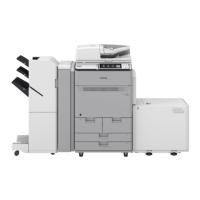
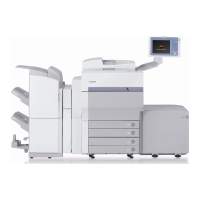
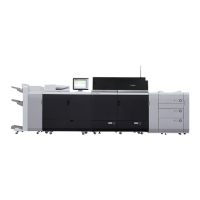
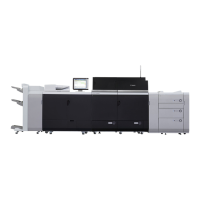
Canon Branded paper feed, accessories and finishers for the imagePRESS Lite
C170 / C165.
Refer to the Appendix to see the specifications for the hardware accessory options.
A. Printer Cover-H1
• Printer Cover-H1 is installed in place of the Duplex Image Reader when
this machine is used as a printer model
• This option requires removing the standard Single Pass Duplexing
Automatic Document Feeder and Color Image Reader
B. Upright Control Panel-H1
• The upright control panel, features a pressure type 10.4” SVGA Full-Color
touchscreen
• The user can adjust the position and angle of the control panel to enables
the user to operate more efficiently
C. Stack Bypass Alignment Tray-D1
• Up to 250 sheets capacity (20 lb bond (80 g/m
2
)).
• Supports paper sizes up to 13" x 19.2".
• Supports paper weights up to 130 lb cover (350 g/m
2
).
• The Stack Bypass Alignment Tray-D1 helps keep larger sized paper
aligned when feeding through the bypass tray.
Note: The print speed from the Stack Bypass is different from the Paper
Deck/Paper Cassettes. Since the Stack Bypass does not have a remaining
paper sensor, the machine has to make sure the next paper is set on the Stack
Bypass just before drawing images on the drums. That causes the print speed
from Stack Bypass to be slower than from the Paper Deck/Paper Cassette.
D. Paper Deck Unit-E1
• Provides an additional paper capacity of approximately 3,500 sheets
(80 g/m
2
) or 3,660 sheets (75 g/m
2
)
• Supports LTR-sized paper only
• Supports paper weights up to 140 lb index (256 g/m
2
)
• Cannot be installed with the POD Deck Lite-C1




 To Next Page