WebCAM user manual -13-
Chapter 4: Using Utility to Setup IP & Update Firmware
If you do not already have a Domain Name registered with your ISP, select from
one of the 4 Free DDNS service providers (zive.org, dhs.org, dyndns.org or
myddns.org). Follow the link to the respective free service providers to register
a Domain Name and obtain a User Name and Password. Enter these details in
the boxes provided
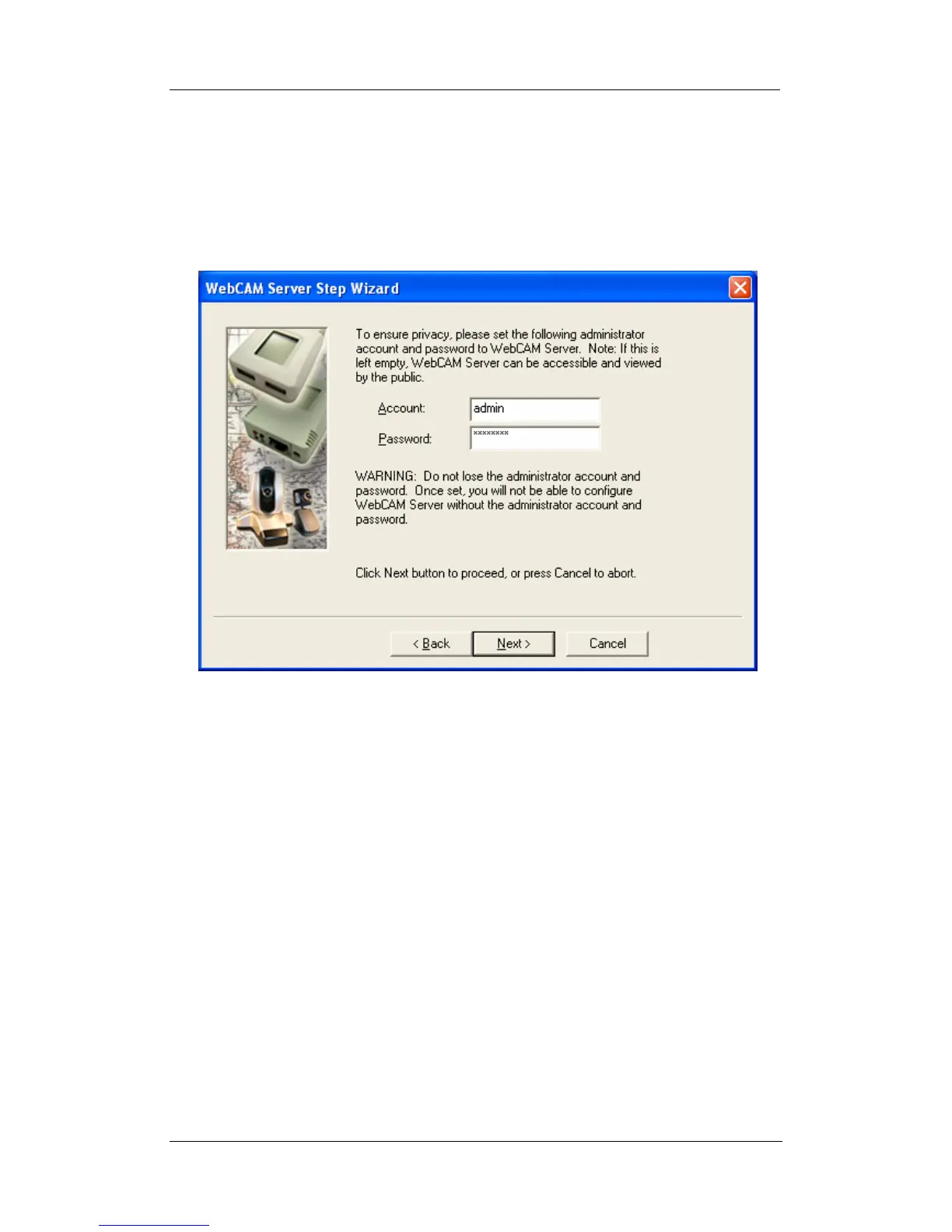
8. Click “Next >” to change your administrator account and password information.
9.
An administrator account is necessary to ensure privacy. The user may revert
to default settings, or if you do not set one, just delete the account and password
and click “Next”.
WARNING: Do not lose the administrator account and master password.
Once set, you will not be able to re-configure WebCAM after reset without the
administrator account and password. To reset the WebCAM account password,
you will need to re-install the firmware using Utility.















 To Next Page