WebCAM user manual -12-
Chapter 4: Using Utility to Setup IP & Update Firmware
Select “Enable PPPoE connection” and enter your account and password details
as provided by your internet service provider (“ISP”).
Otherwise, leave it at the default “Disable PPPoE connection”
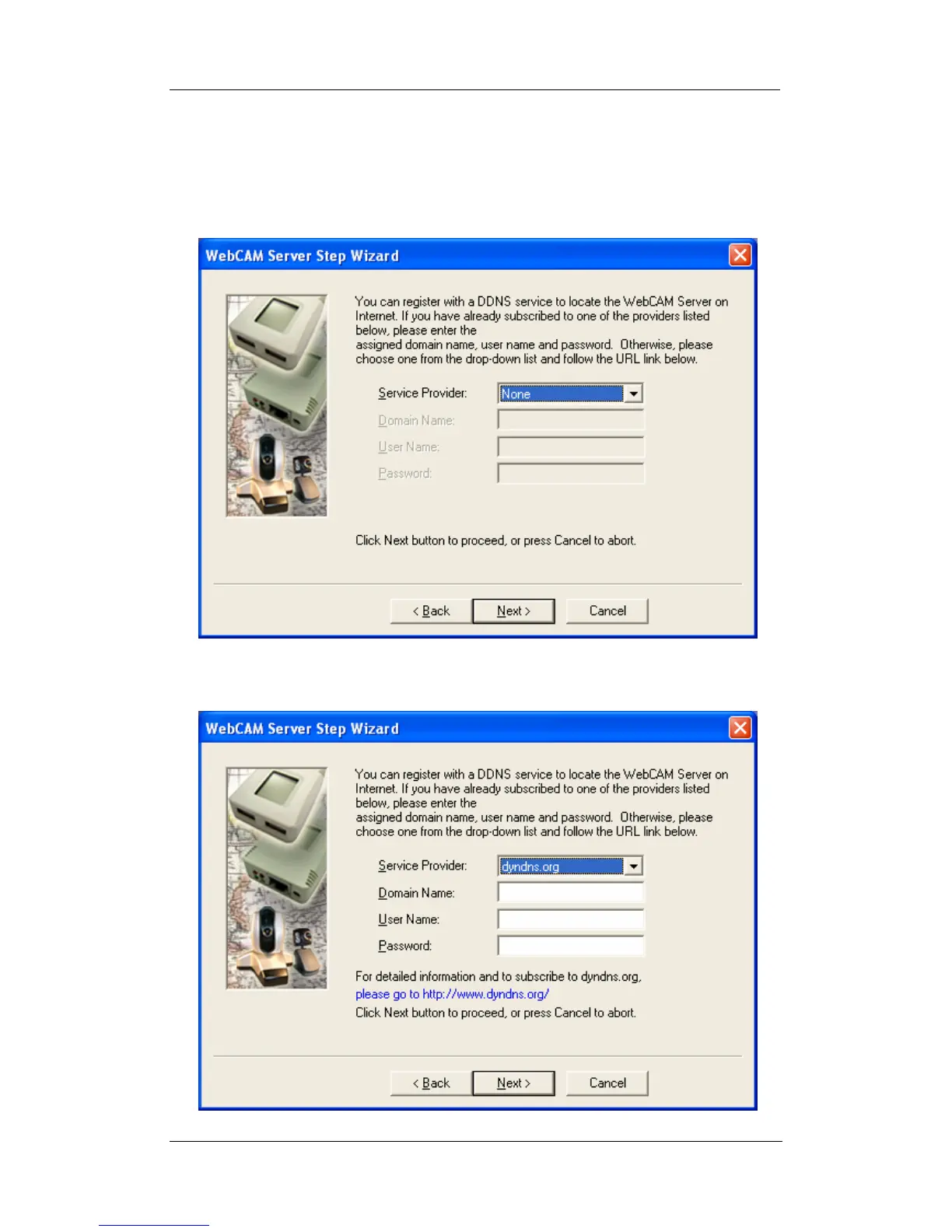
7. Click “Next >” to proceed with DDNS setup
You will need to setup this section if you are using a Dynamic IP















 To Next Page