WebCAM user manual -59-
Chapter 6: MultiMonitor
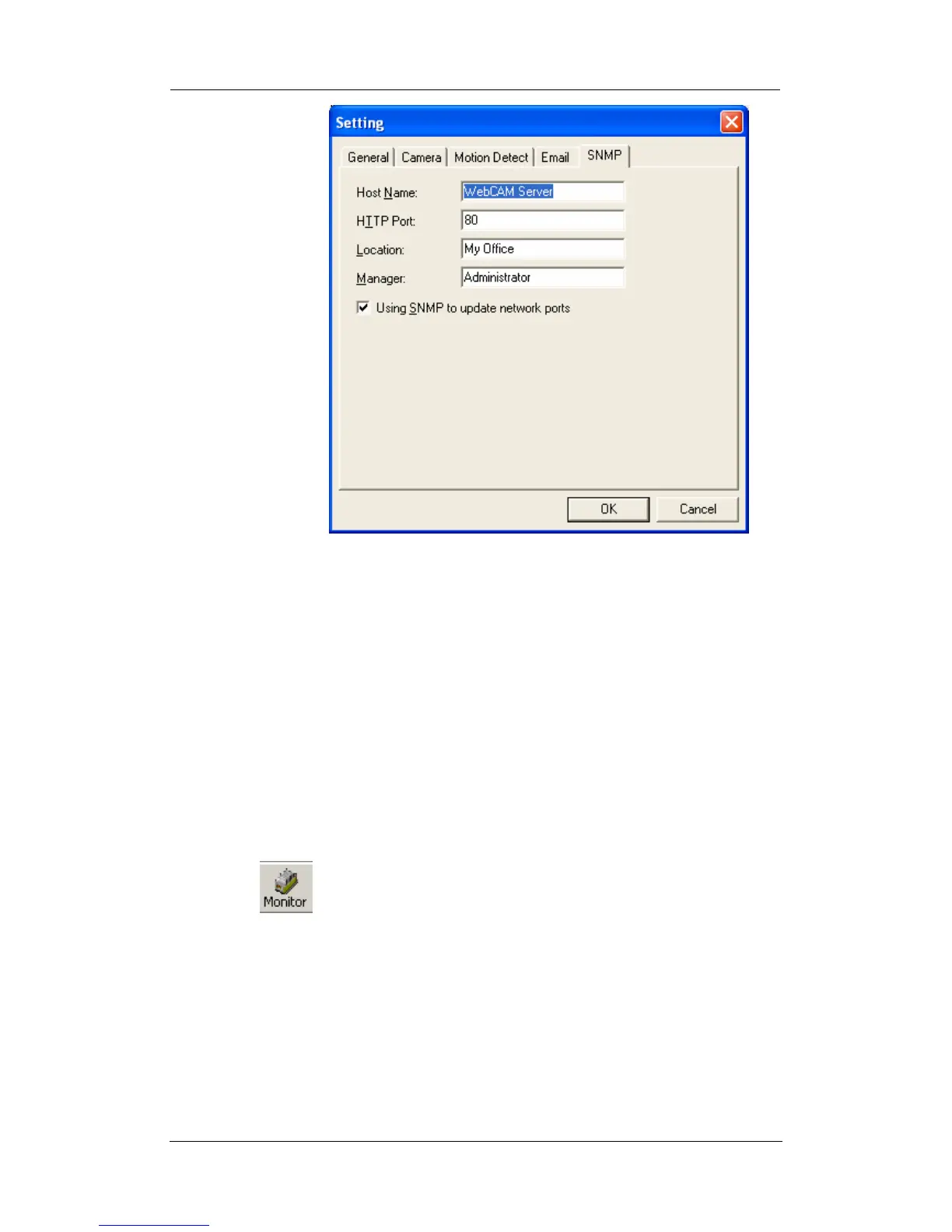
Host Name: Provide a Name to identify this device.
HTTP Port: Enter the HTTP port assigned for WebCAM.
Location: Provide a location for SNMP manager to
track device.
Manager: Enter a manager’s name for identification.
“Using SNMP to update network ports”
Check this box if you want MultiMonitor to automatically update the
HTTP port as set in the WebCAM (Basic SettingsÆNetworkÆPort
NumberÆHttp port number) or tility (IP
ConfigurationÆAdvancedÆManagement Protocol)
: Highlight the WebCAM in the main windows display, and click
“Monitor” to view the video stream.















 To Next Page