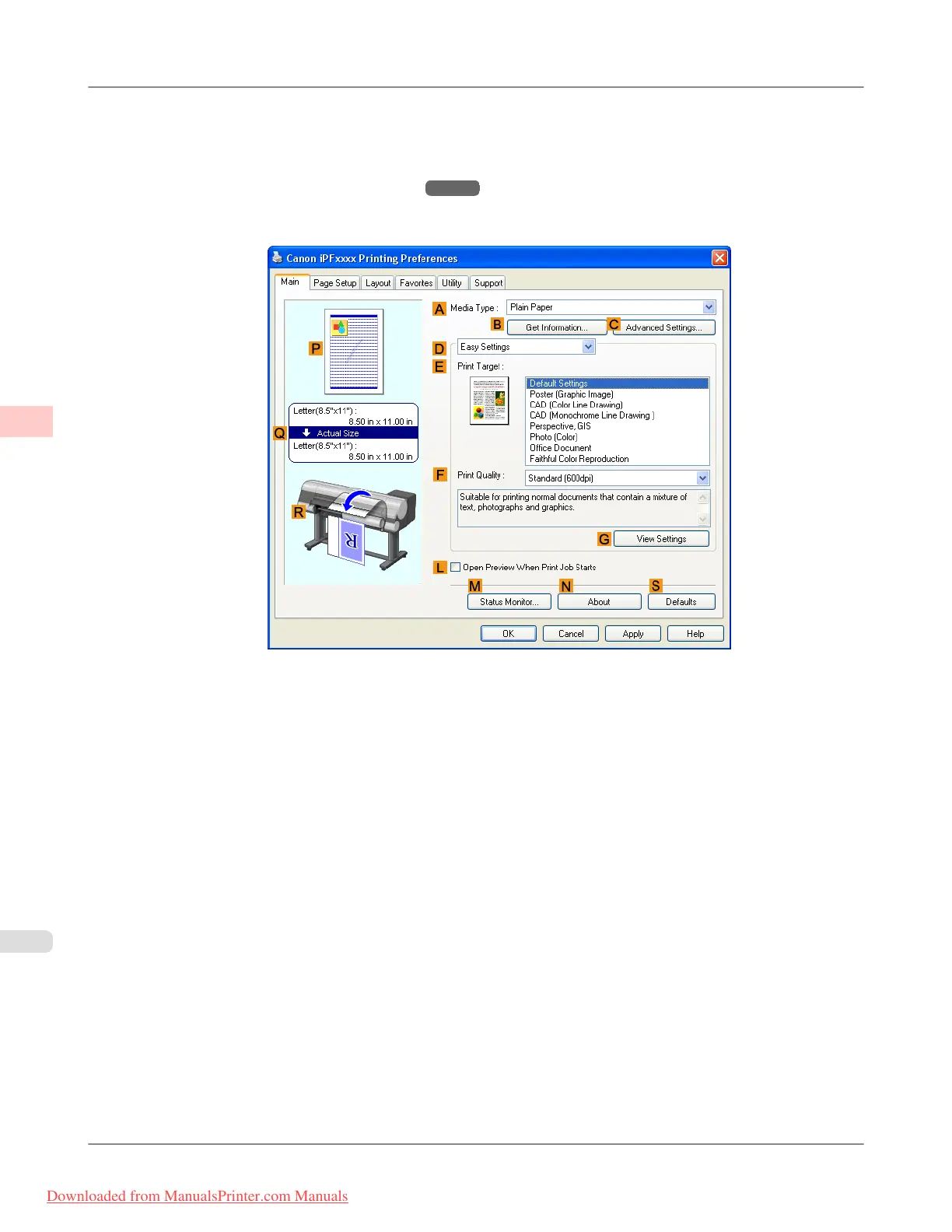
1. Choose Print in the application menu.
2. Select
the printer in the dialog box, and then display the printer driver dialog box.(See "Accessing the Printer Driv-
er Dialog Box from Applications (Windows)
→P.211 ")
3. Make sure the Main sheet is displayed.
4. In the A Media Type list, select the type of paper that is loaded. In this case, click Plain Paper.
Enhanced Printing Options
>
Conserving roll paper
>
Conserving Roll Paper by Printing Originals Without Top and Bottom Margins (Windows) iPF815
3
174
Downloaded from ManualsPrinter.com Manuals














 To Next Page