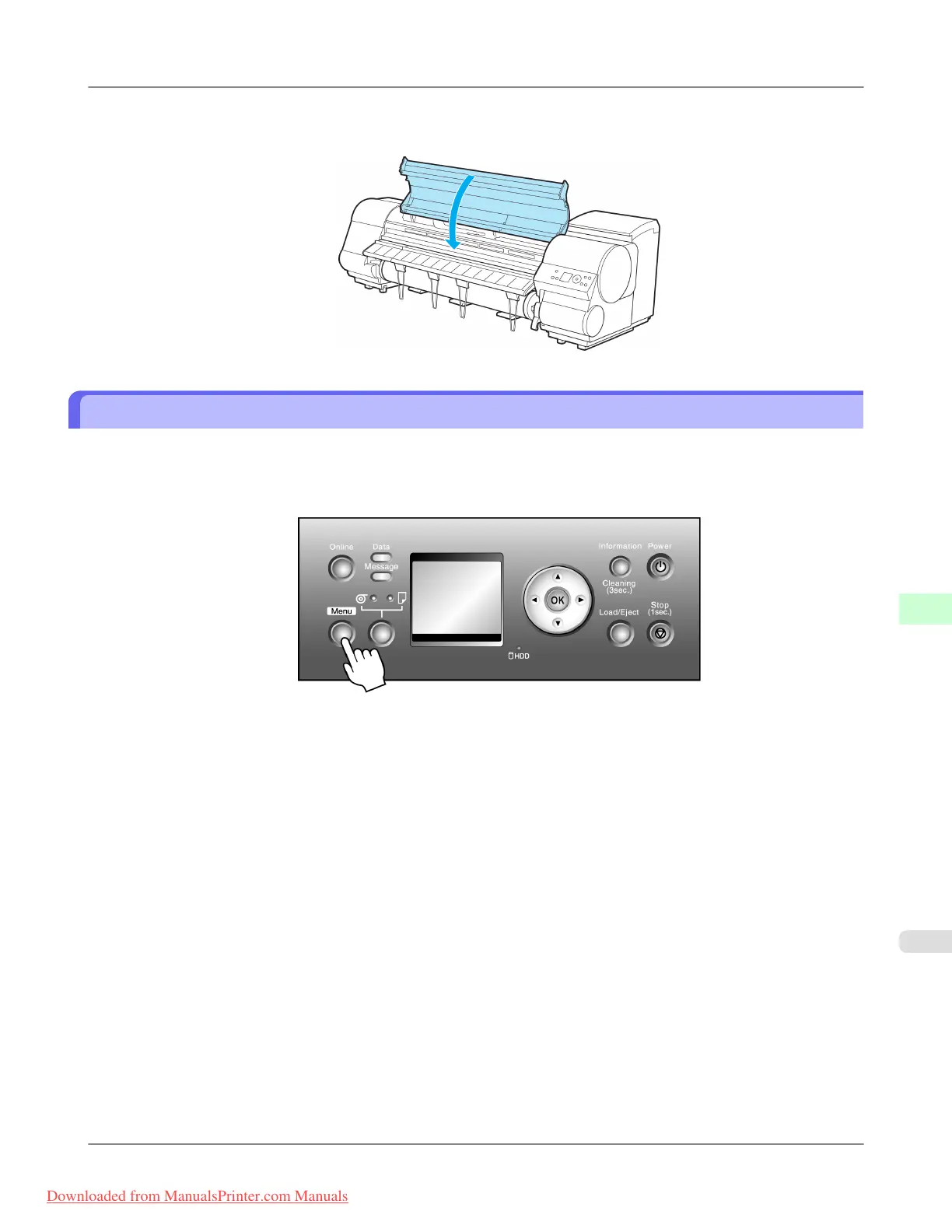
10. Close the Top Cover.
The Printhead is now straight, and adjustment is complete.
Troubleshooting Paper Abrasion and Blurry Images (Head Height)
If paper rubs against the printer or the edge is wrinkled from rubbing, adjusting the Printhead height may improve results.
If image edges are blurred, it may help to lower the Printhead.
1. Press the Menu button to display MAIN MENU.
2. Press ▲ or ▼ to select Paper Details, and then press the ▶ button.
3. Press ▲ or ▼ to select the type of paper, and then press the ▶ button.
4. Press ▲ or ▼ to select Head Height, and then press the ▶ button.
5. Press ▲ or ▼ to select the Printhead height, and then press the OK button.
Adjustments for Better Print Quality
>
Adjusting the Printhead
>
iPF815 Troubleshooting Paper Abrasion and Blurry Images (Head Height)
8
675
Downloaded from ManualsPrinter.com Manuals














 To Next Page