Switching Media Types Display Show/Hide
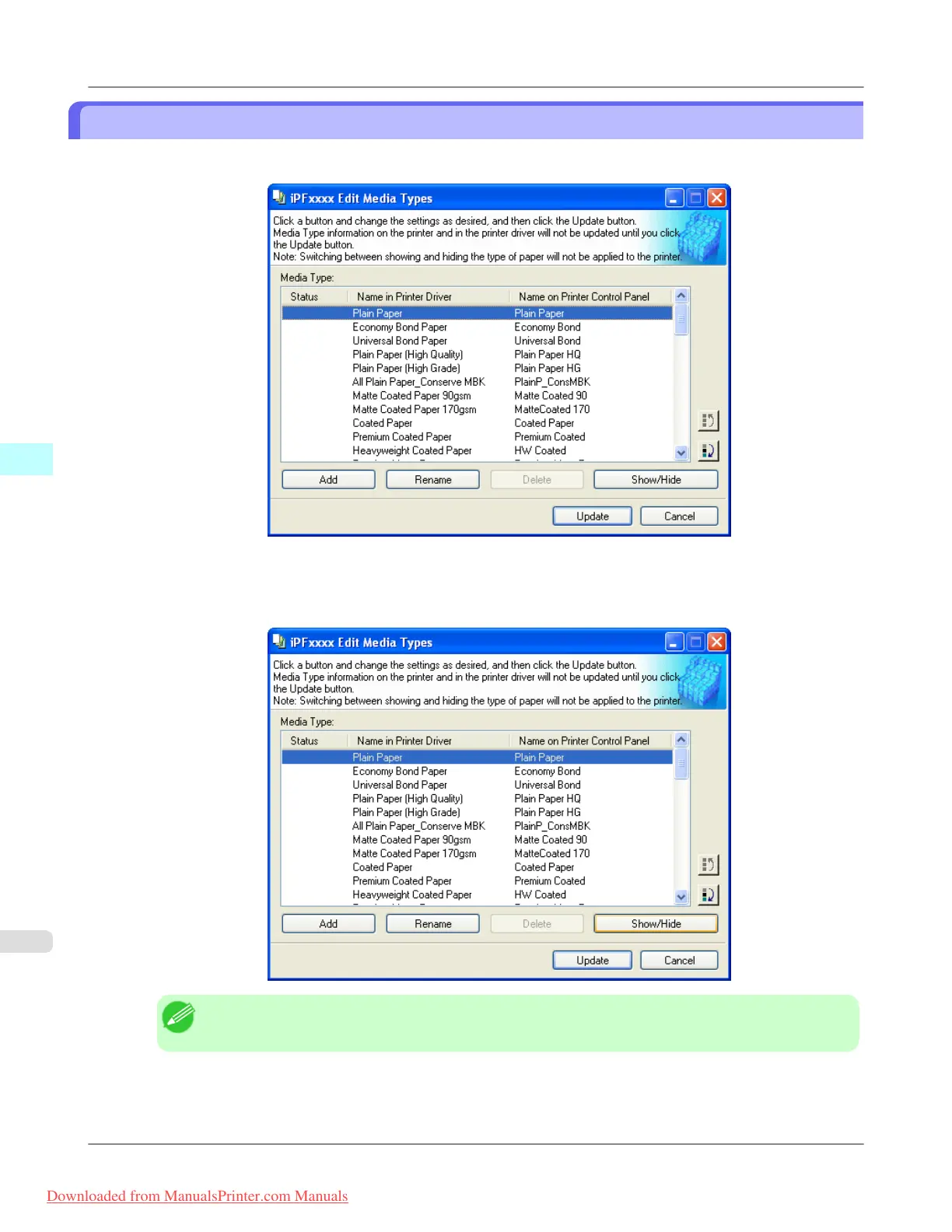
1. Open the Edit Media Types dialog box.
2. In the Media Type list, select the name of the media to switch off or on for display.
Click the Show/Hide button.
The selected paper is alternately shown or hidden.
Note
• The names of media switched for non-display appear grayed out in the Media Type list.
Windows Software
>
Media Configuration Tool
>
Switching Media Types Display Show/Hide iPF815
4
418
Downloaded from ManualsPrinter.com Manuals














 To Next Page