Starting the Media Configuration Tool
Follow the procedure below to start the Media Configuration Tool.
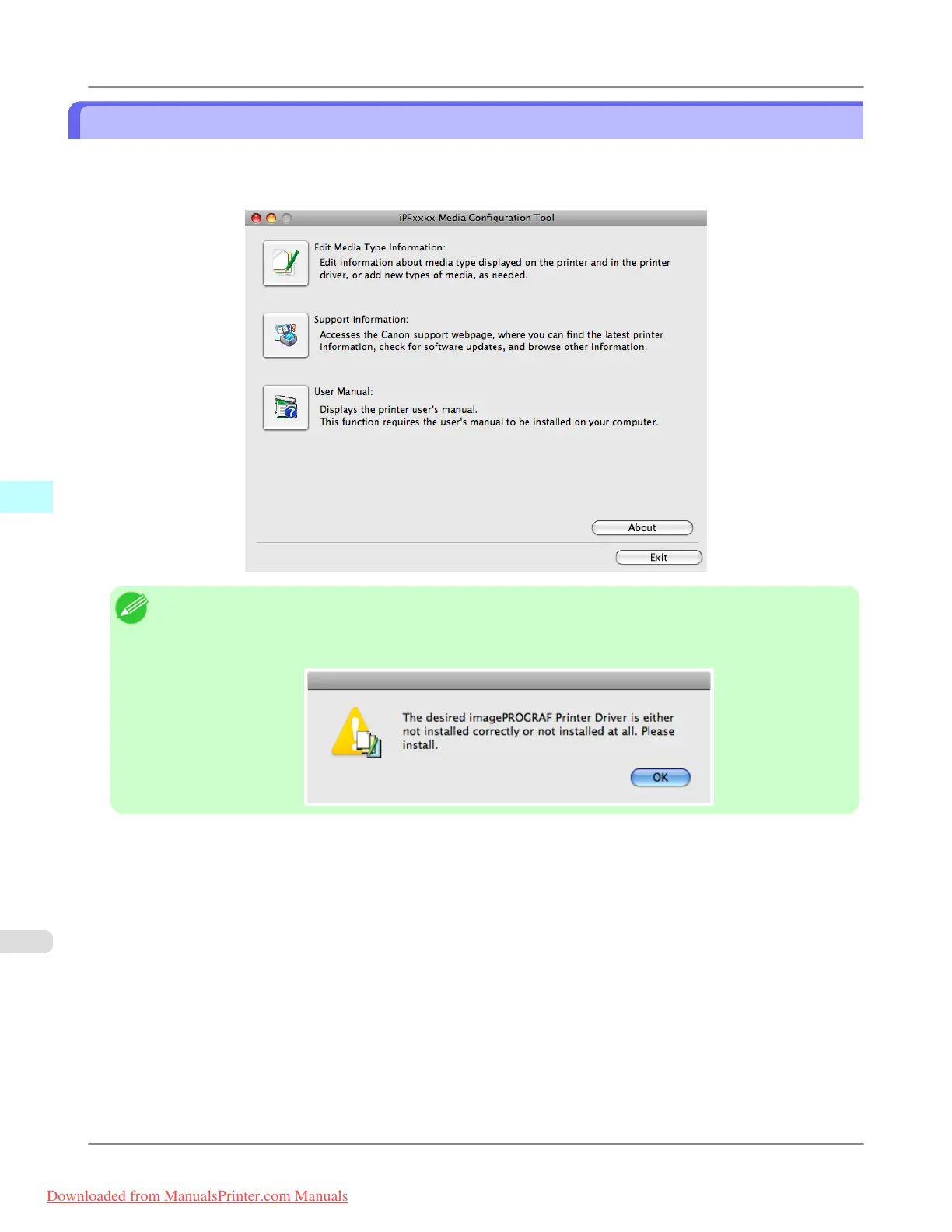
From the Applications menu > Canon Utilities >iPFxxxx Media Configuration Tool > MCTxxxx.app.
Media Configuration Tool main window is displayed.
Note
• If
a compatible printer driver is not installed, the Media Configuration Tool will not start. If you attempt to
start the Media Configuration Tool when a printer driver is not installed, the warning message below is dis-
played.
Mac OS X Software
>
Media Configuration Tool
>
Starting the Media Configuration Tool iPF815
5
546
Downloaded from ManualsPrinter.com Manuals














 To Next Page