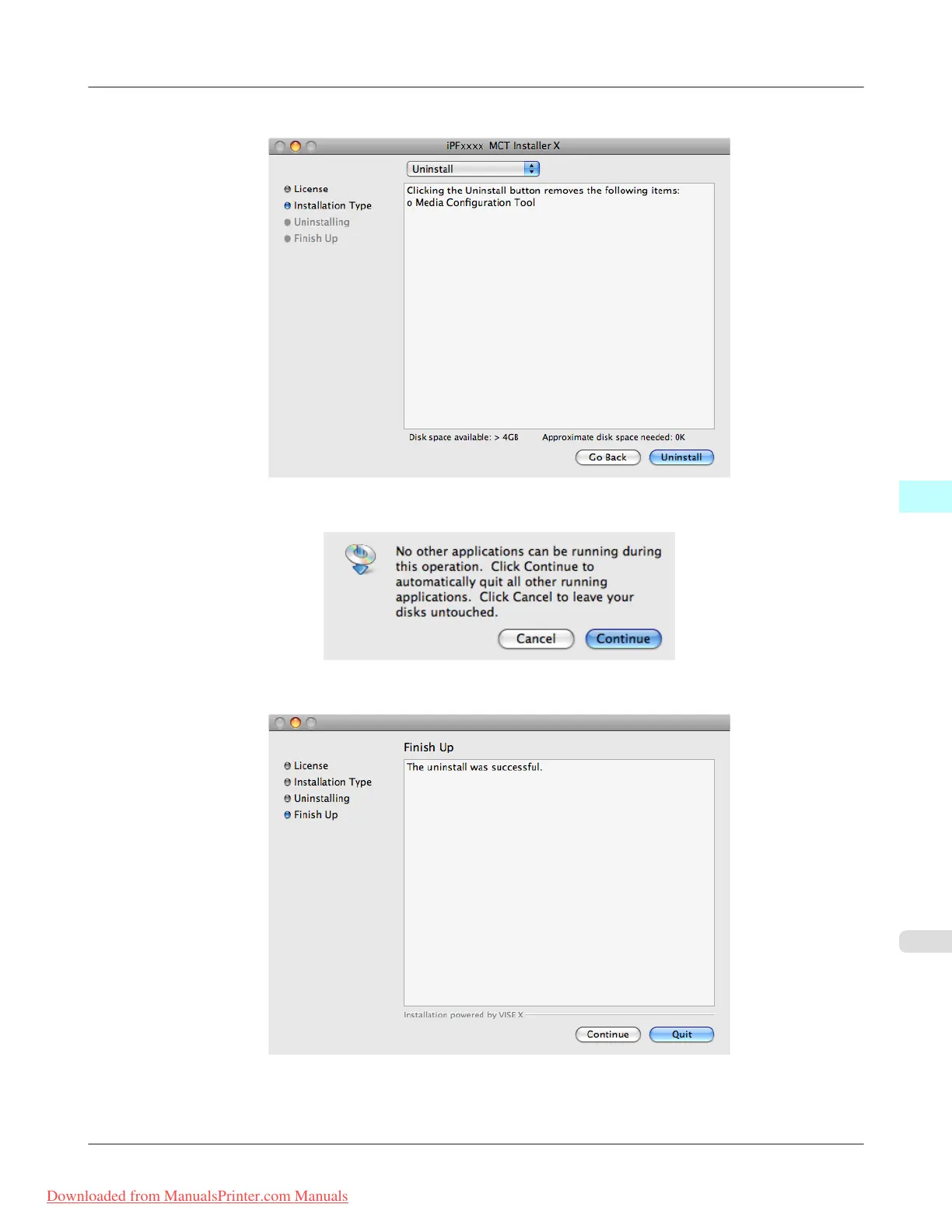
7. Click the Uninstall button.
8. Press the Continue button when another application is running.
9. When the following message is displayed, click the Quit button.
Media Configuration Tool has been uninstalled.
Mac OS X Software
>
Media Configuration Tool
>
iPF815 Procedures for Uninstalling
5
545
Downloaded from ManualsPrinter.com Manuals














 To Next Page