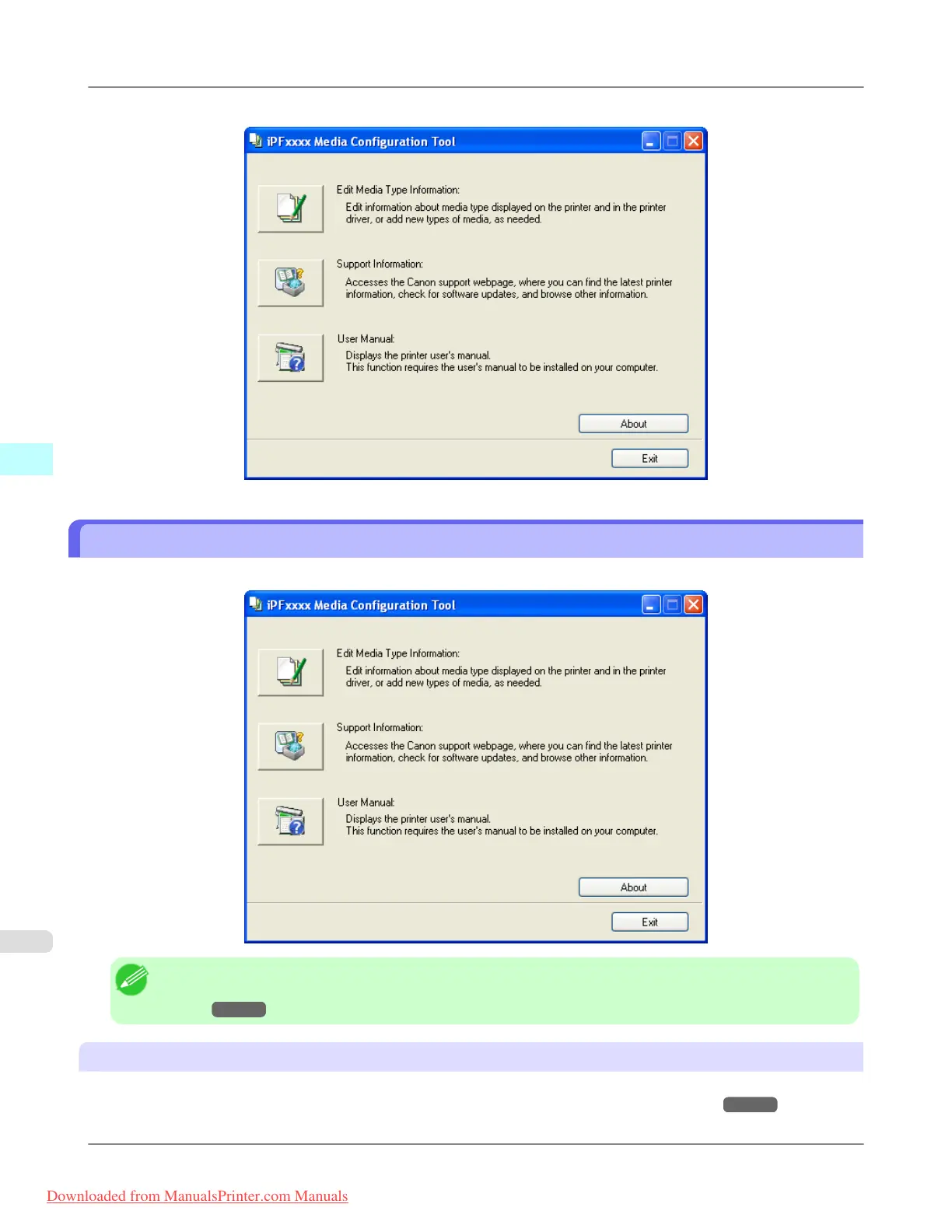
Media Configuration Tool main window is displayed.
Media Configuration Tool Main Window
The explanation below is on the Media Configuration Tool main window.
Note
• For the step to open the Media Configuration Tool main window, see "Starting the Media Configuration
Tool." →P.409
Edit Media Type Information
Button
Click the button to open the Edit Media Types dialog box and you can edit the media types.
For more information about Edit Media Type Information, see "Editing Media Type Information."
→P.411
Windows Software
>
Media Configuration Tool
>
Media Configuration Tool Main Window iPF815
4
410
Downloaded from ManualsPrinter.com Manuals














 To Next Page