Checking the Layout in a Preview Before Printing
This topic describes how to check the layout before printing using the Canon imagePROGRAF Preview function.
1. Choose Print in the application menu.
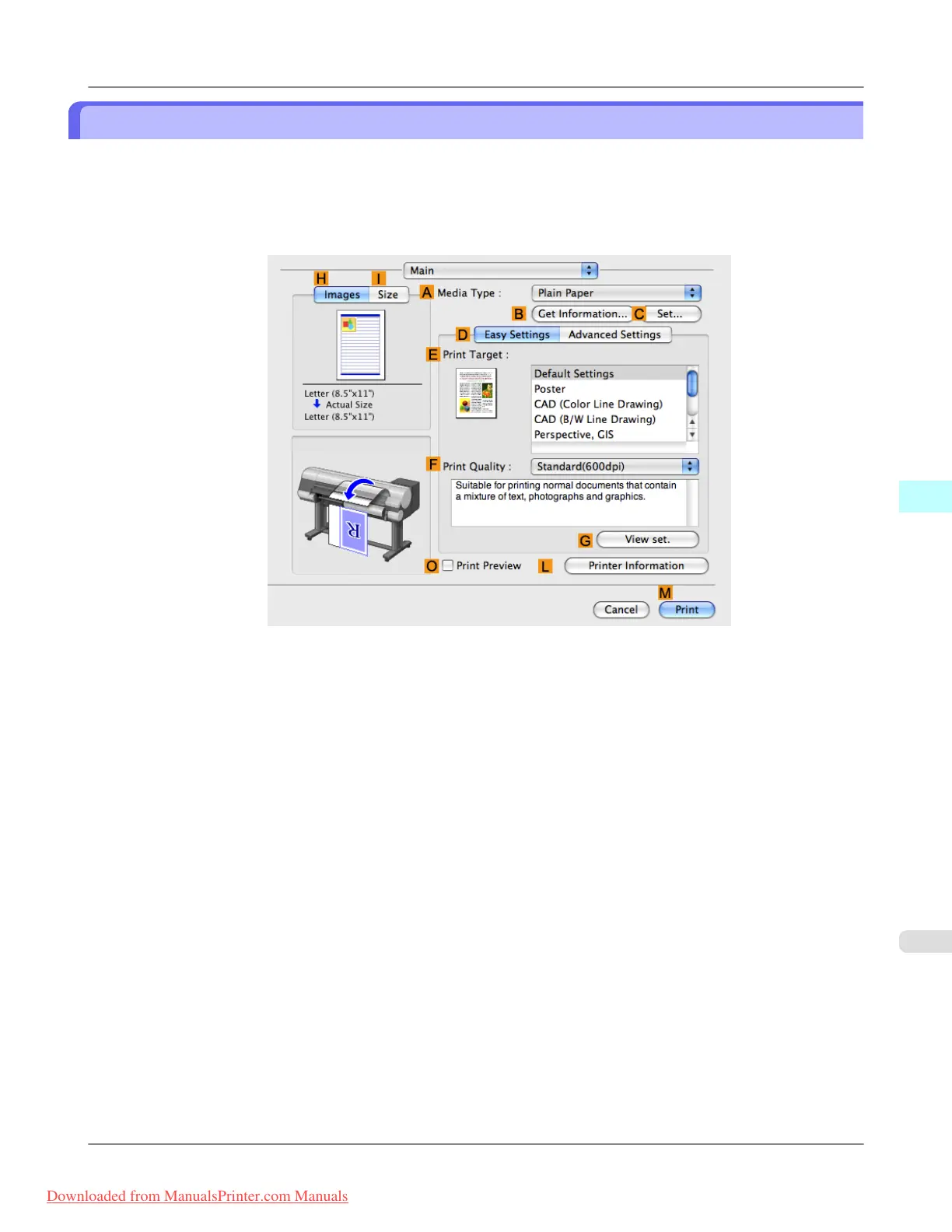
2. Access the Main pane.
3. Select the O Print Preview check box.
4. Click M Print.
Mac OS X Software
>
Printer Driver
>
iPF815 Checking the Layout in a Preview Before Printing
5
431
Downloaded from ManualsPrinter.com Manuals














 To Next Page