Loading Rolls in the Printer
Follow these steps to load rolls in the printer.
Note
• Remove any loaded paper that will not be used.
• Rolls (See "Removing the Roll from the Printer.")
→P.634
• Sheet (See "Removing Sheets.") →P.656
• If the Platen is dirty, clean inside the Top Cover. (See "Cleaning Inside the Top Cover.") →P.837
• After
pressing the Load/Eject button, you can refer to instructions on the Display Screen as you load the
paper. (See "Checking Instructions During Printer Operations.")
→P.743
1. Confirm that a roll is selected as the paper source. (See "Selecting the Paper Source.")
→P.631
2. Open the Top Cover and lift the Ejection Guide.
Handling Paper
>
Handling rolls
>
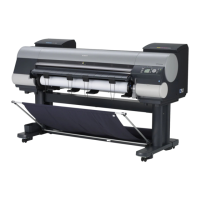
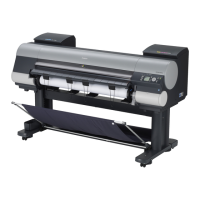
Loading Rolls in the Printer iPF815
7
628
Downloaded from ManualsPrinter.com Manuals




 To Next Page
