Display with Actual Size
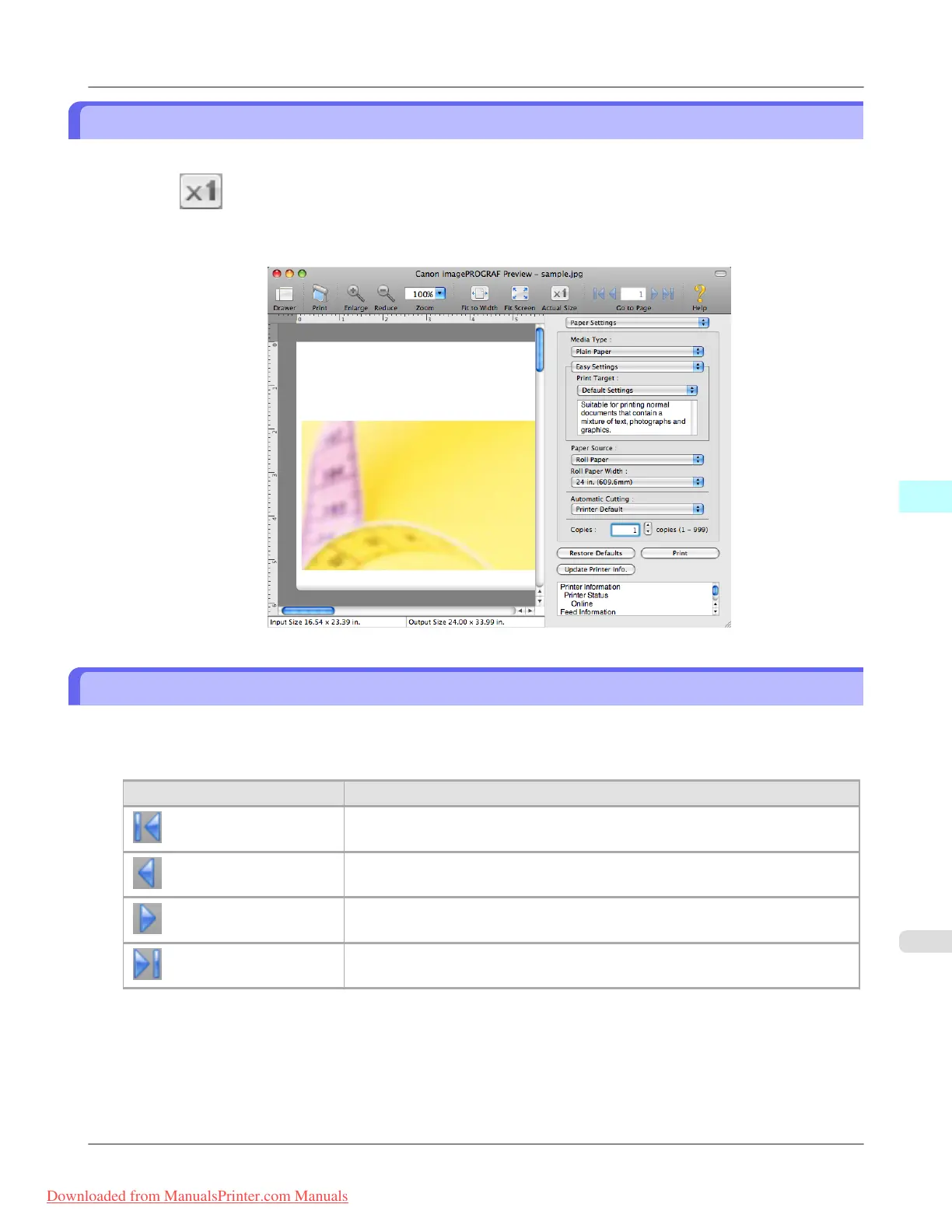
In the preview area, you can display the actual size.
1. Select Actual Size from the tool bar.
2. Actual size is displayed.
Moving a Page
You can move a page to display in the preview area.
1. Select each button in Go to Page on the tool bar.
Setting Details
Go to the first page.
Go to the previous page.
Go to the next page.
Go to the last page.
Mac OS X Software
>
Preview
>
iPF815 Display with Actual Size
5
479
Downloaded from ManualsPrinter.com Manuals














 To Next Page