Naming Personal Boxes
By default, personal boxes are unnamed. You can name them for easier management.
You can assign a name to a personal box as follows.
• Using RemoteUI
• Using imagePROGRAF Status Monitor (Windows)
• Using imagePROGRAF Printmonitor (Mac OS)
Using RemoteUI
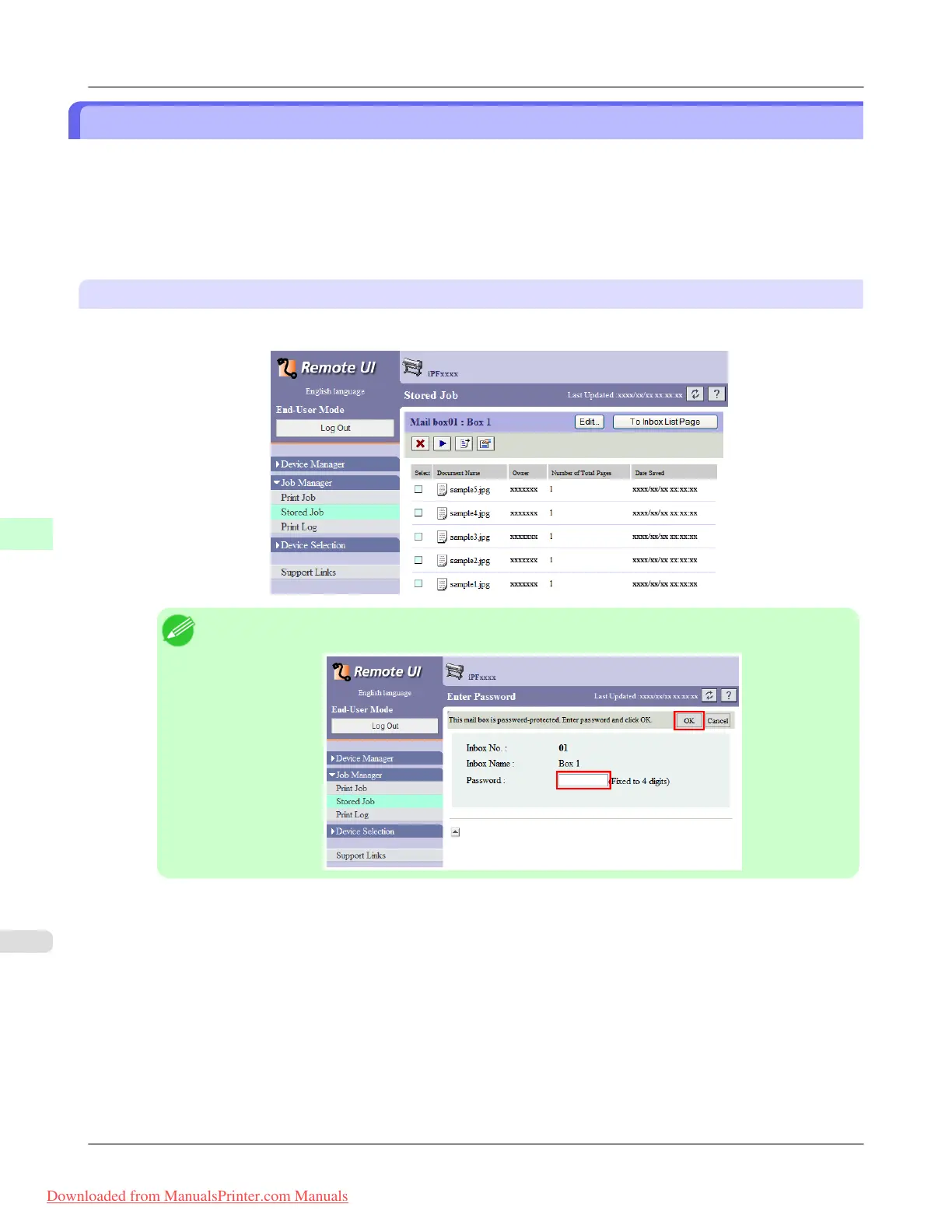
1. On the Stored Job page, select the personal box to identify.
Note
• Enter a password if one has been set for the personal box.
Print Jobs
>
Advanced Print Job Operations
>
Naming Personal Boxes iPF815
6
596
Downloaded from ManualsPrinter.com Manuals














 To Next Page