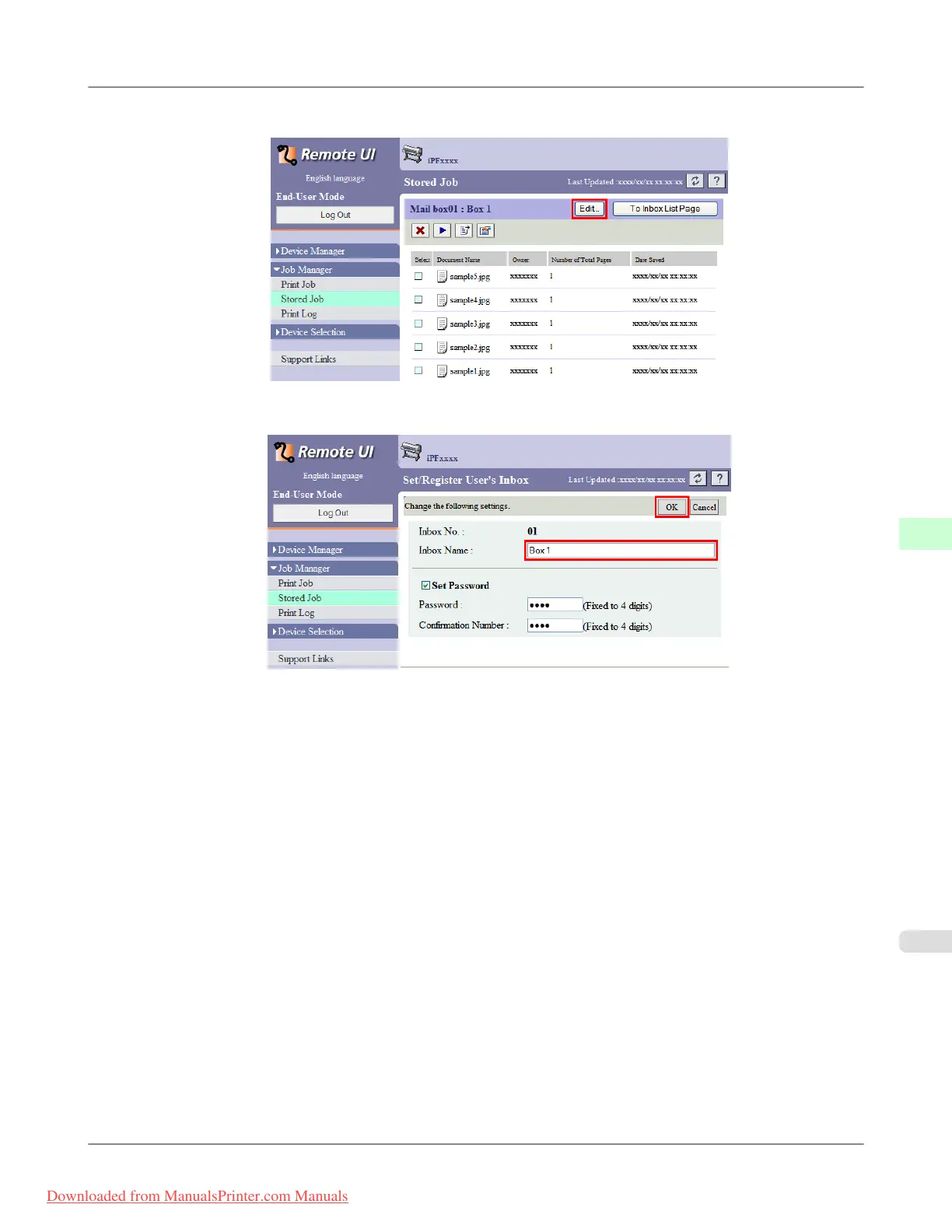
2. Click Edit.
3. In the Set/Register User's Inbox dialog box, enter the personal box name in Inbox Name and click OK.
For details, refer to the RemoteUI help.
Print Jobs
>
Advanced Print Job Operations
>
iPF815 Naming Personal Boxes
6
597
Downloaded from ManualsPrinter.com Manuals














 To Next Page