Configuring the IP Address Using imagePROGRAF Device Setup Utility
From a computer running Windows, you can use imagePROGRAF Device Setup Utility provided with the printer to config-
ure the printer's IP address. This topic describes how to configure the IP address using imagePROGRAF Device Setup Utili-
ty.
Important
• To
configure network settings, you must be logged in with administrative rights such as Administrator ac-
count. We recommend that your network administrator configure the network settings.
• For instructions on installing imagePROGRAF Device Setup Utility, see "Installing imagePROGRAF De-
vice Setup Utility."
→P.403 .
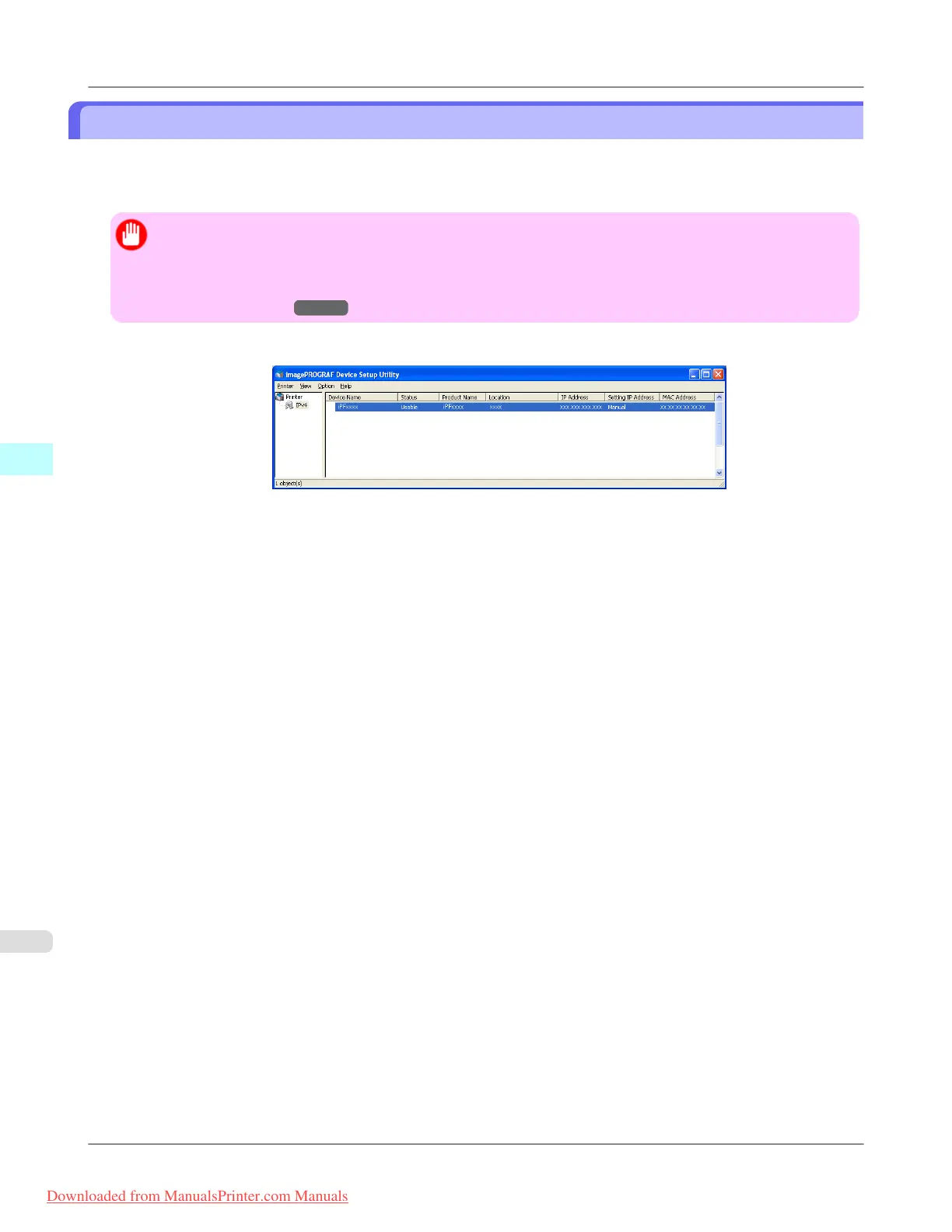
1. Start imagePROGRAF Device Setup Utility from the start menu.
2. In the Device Name list displayed, select the printer to configure.
Windows Software
>
Device Setup Utility
>
Configuring the IP Address Using imagePROGRAF Device Setup Utility iPF815
4
404
Downloaded from ManualsPrinter.com Manuals














 To Next Page