Laying out Objects Automatically
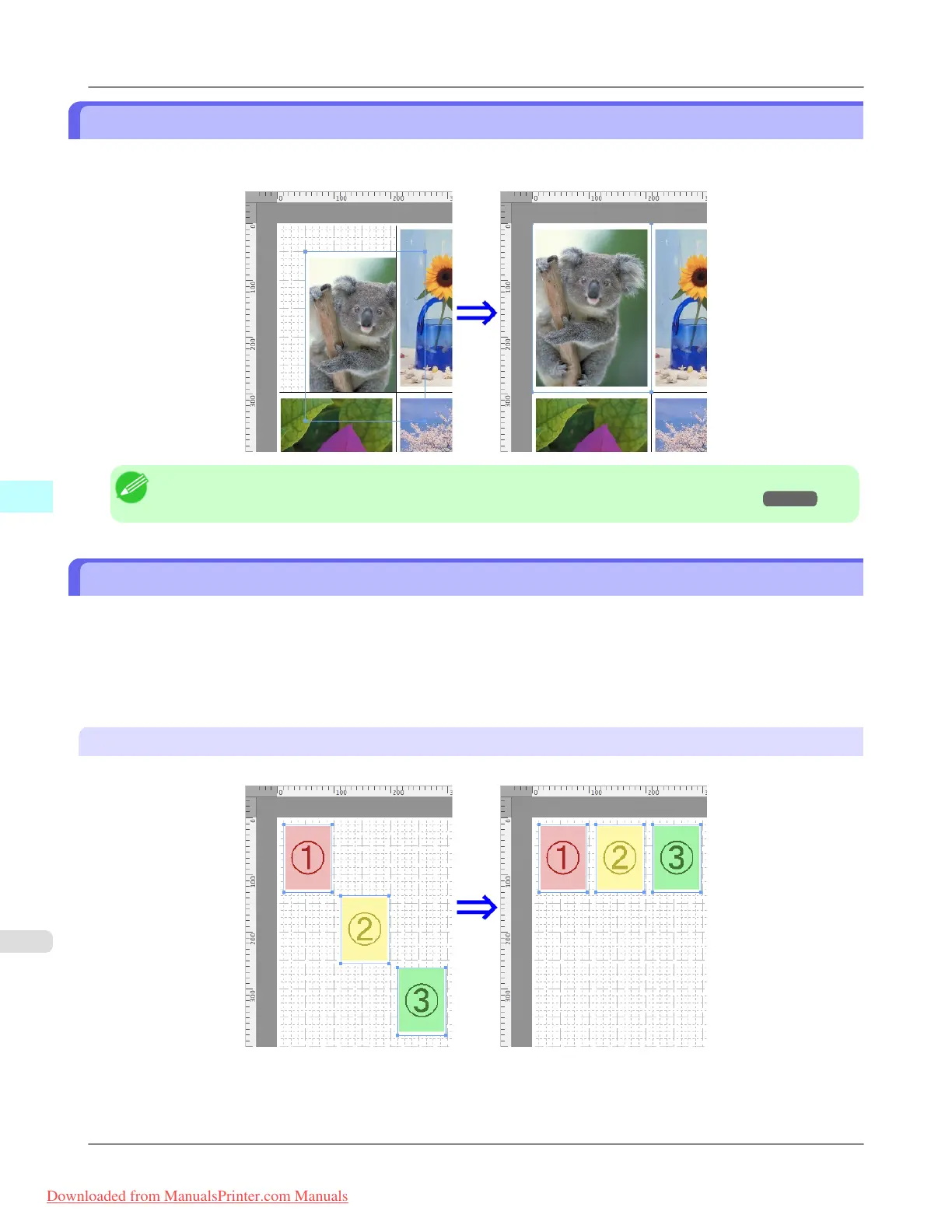
Click Auto Arrange in the tool bar. This automatically lays out objects. Alternatively, you may select Auto Arrange Ob-
ject from the Object menu.
Note
• The object layout order varies depending on the Order setting on the Page Setup Dialog Box →P.501 .
Aligning Objects
You can align objects systematically.
1. Select multiple objects.
2. Select the align menu from the Object menu.
Align Top
Lays out the objects, justifying them to the top.
Mac OS X Software
>
Free Layout
>
Laying out Objects Automatically iPF815
5
508
Downloaded from ManualsPrinter.com Manuals














 To Next Page