Creating a New Hot Folder
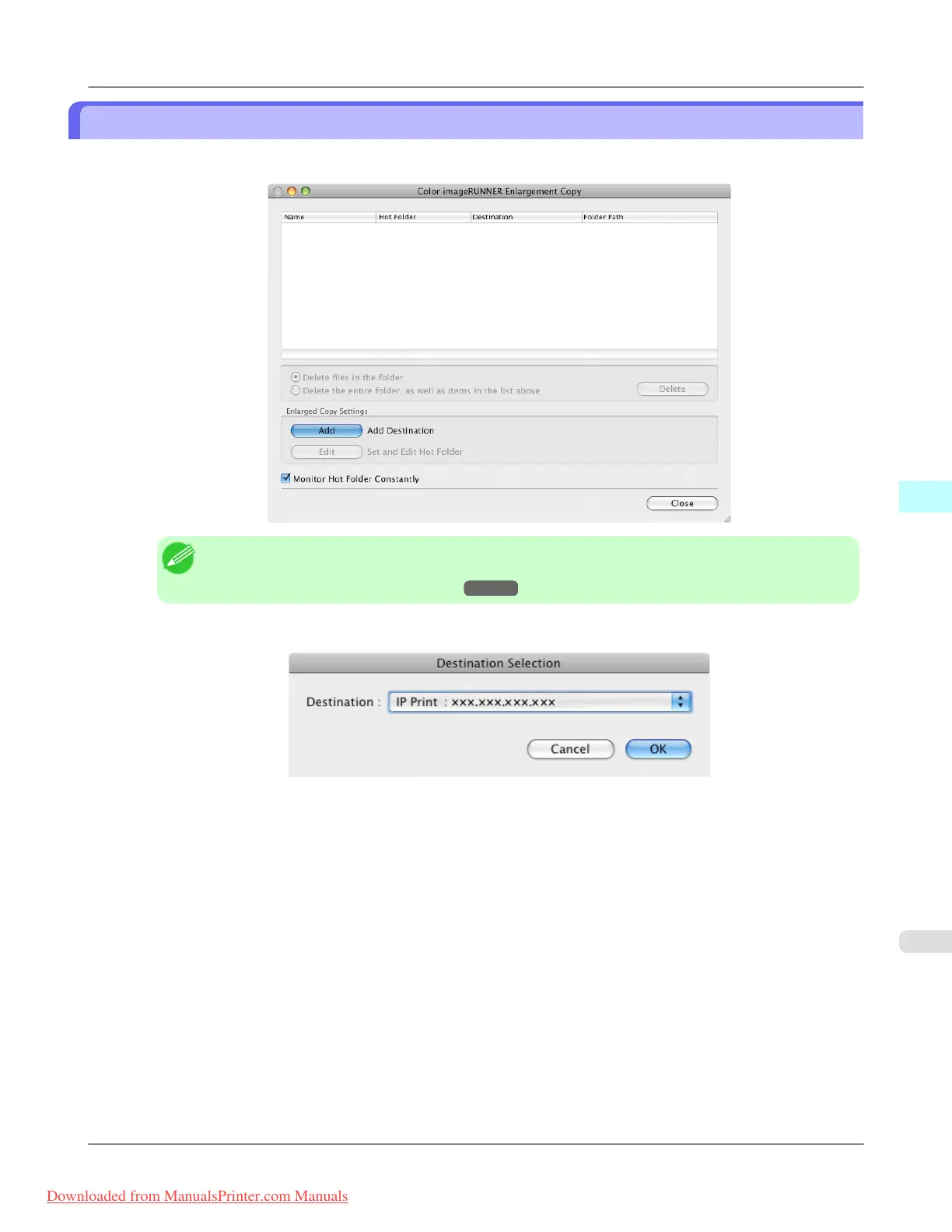
1. Open the Color imageRUNNER Enlargement Copy dialog box.
Note
• For
the step to open the Color imageRUNNER Enlargement Copy dialog box, see "Starting Color
imageRUNNER Enlargement Copy."
→P.514
2. Click the Add button in Enlarged Copy Settings to open the Destination Selection dialog box.
3. From the printer list in Destination, select the printer of destination.
Mac OS X Software
>
Color imageRUNNER Enlargement Copy
>
iPF815 Creating a New Hot Folder
5
517
Downloaded from ManualsPrinter.com Manuals














 To Next Page