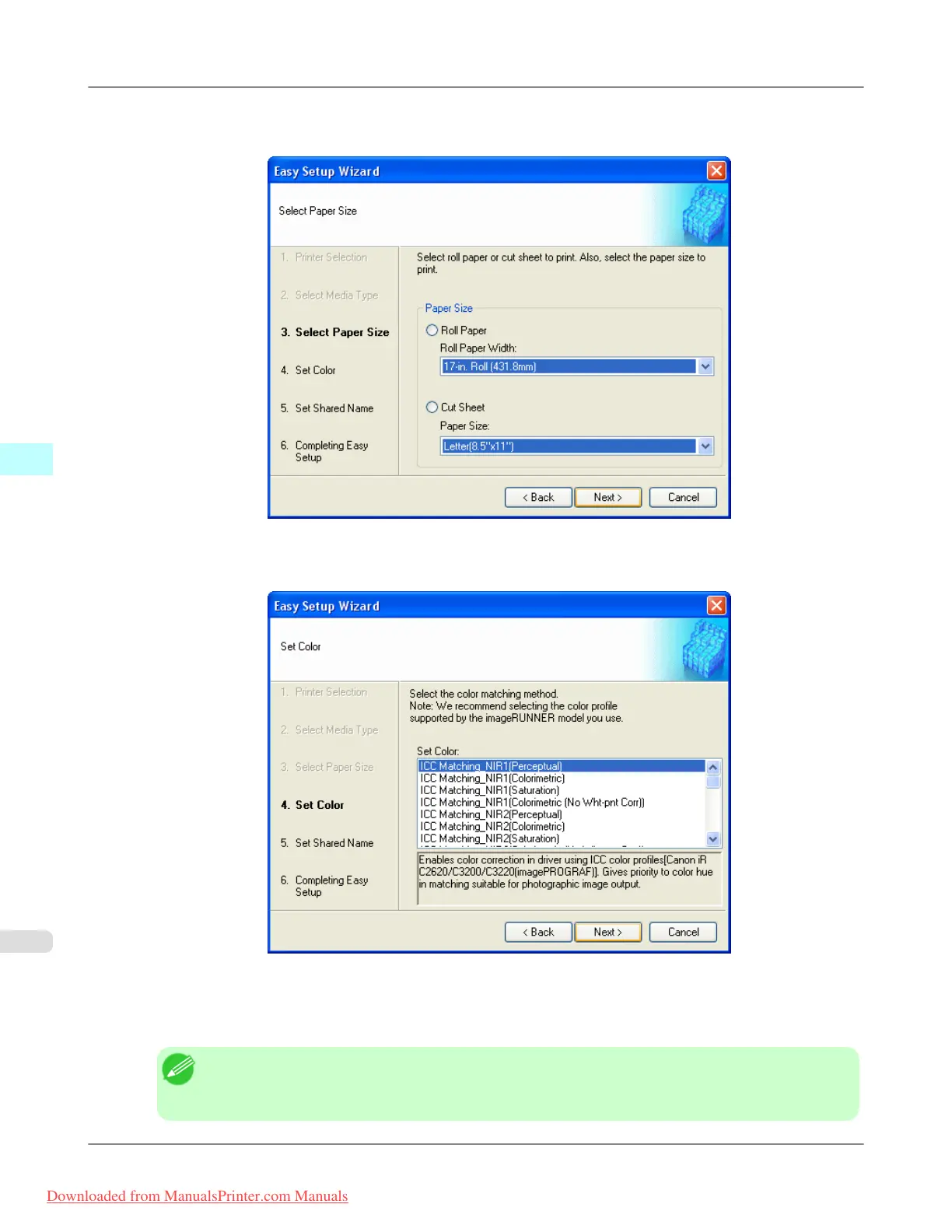
5. Select roll paper or cut sheet to print. Also, select the media size to print.
Click the Next button.
6. Select the color matching method.
Click the Next button.
7. To
receive a document scanned with the Color imageRUNNER, you need to share a folder. Enter the folder shared
name in Shared Name.
Click the Next button.
Note
• This shared name is used as the name of the hot folder.
• You cannot use the Back button, after clicking the Next button here.
Windows Software
>
Color imageRUNNER Enlargement Copy
>
Creating a New Hot Folder iPF815
4
292
Downloaded from ManualsPrinter.com Manuals














 To Next Page